
|
Do it yourself
| |||
| ||||


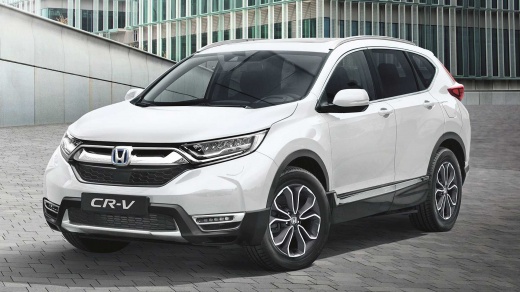
How to reset the tyre pressure warning light on the Honda CR-V?
Model: Honda CR-V
MK 5
- Years:
2017, 2018, 2019, 2020, 2021, 2022
Video tutorial
To completely clear the tyre pressure warning light that appears on the instrument panel of the Honda CR-V, you need to bring all tyres to the optimal inflation pressure. Once done, go inside the cabin to activate the instrument panel: then navigate the menu using the arrow controls on the right side of the steering wheel. When the book icon appears, press the Select button and navigate the menu again until you find 'Deflation warning system': by selecting 'Cancel', you can clear the tyre pressure warning light from the panel.
Posted on 14 August 2026 by ScegliAuto
Related tutorials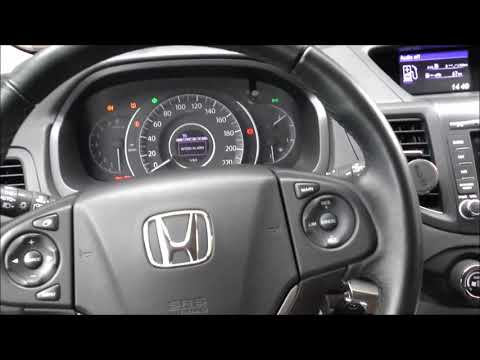
Honda CR-V
(2017-2022 /
MK 5)
To reset the tyre pressure light on a Honda CR-V, ensure all tyres are inflated to the recommended pressure. Once done, enter the cabin and turn on t…

Honda CR-V
(2023-2026 /
RS, MK 6)
Today we will discover the instructions on how to reset the tire pressure warning light on the Honda CR-V; before resetting the TPMS sensors, it is n…

Honda CR-V
(2007-2012 /
MK 3)
In order to reset the tire pressure warning light that appears on the instrument panel of the Honda CR-V, you need to inflate the tires to the correc…
Other guides you may be interested in
|
How to Disable the ECO Mode on the Peugeot 308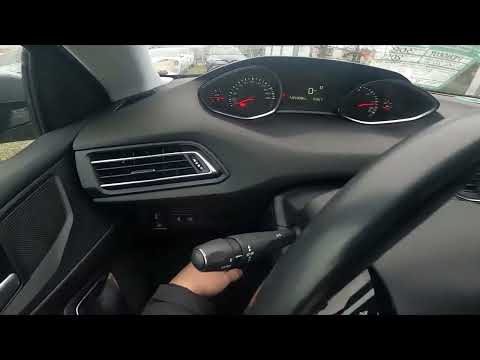
To disable the ECO mode on the Peugeot 308, first turn on the instrument panel by turning the key in the ignition switch. Once the panel is on, press the button located on the dashboard to the left of the steering column. The button to press is next to the ESC system button: when the system is deactivated, the yellow light on the button will be illuminated; conversely, it will be off. You can activate and deactivate the system at any time simply by pressing the button. by ScegliAuto More videos
|
|
For advertising on this site Write to info@scegliauto.com
ScegliAuto is not responsible for any inaccuracy of the data in the lists. To report any inaccuracy or your business (if you own the business in question), please write to info@scegliauto.com
Number of seconds to generate the page: 0.065
(c) ScegliAuto 2026 - info@scegliauto.com - Privacy policy VAT number: IT01247470535 |
