
|
Do it yourself
| |||
| ||||


Guide to Removing the Car Radio
Model: Honda CR-V
MK 2
- Years 2002-2007
To carry out this procedure, start by removing the console between the seats. The guide shows that to perform this procedure, it is necessary to remove the silver trim held in place by side springs, located at the base of the gear lever. Detach the upper panel of the radio, using levers if necessary; this is all a clip procedure after removing the screws at the bottom. By unscrewing the screws with a screwdriver, simply pull and remove the lower cover plate, which may be a bit tough. Be careful of the wires behind; they are bundled and a bit short, and you need to detach them.
Updated on 9 February 2026 by ScegliAuto
Video tutorial
Related tutorials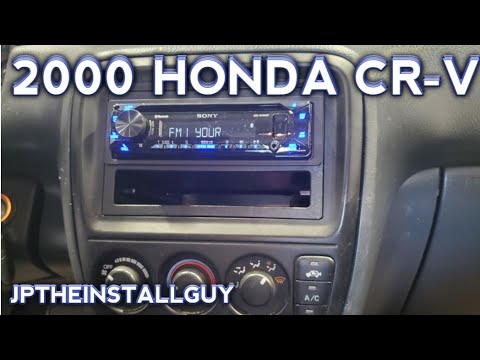
Honda CR-V
(1995-2001 /
MK 1)
This guide shows how to remove the radio from the Honda CR-V Mk1. First, unscrew the screw located under the steering wheel on the right side. Remove…
Honda CR-V
(2007-2012 /
MK 3)
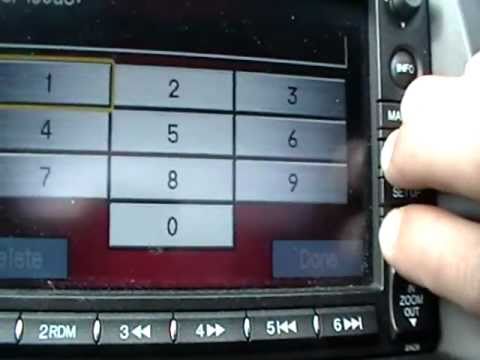
Today's guide will show you how to retrieve and enter the radio code to unlock all stations on the Honda CR-V. First, get inside the vehicle and turn…

Honda CR-V
(2007-2012 /
MK 3)
In this video tutorial, we will see how to retrieve and enter the radio code of the Honda CR-V, in simple steps. First of all, we get on board the ca…
Other guides you may be interested in
|
How to replace the horn on a Renault Duster - Dacia Duster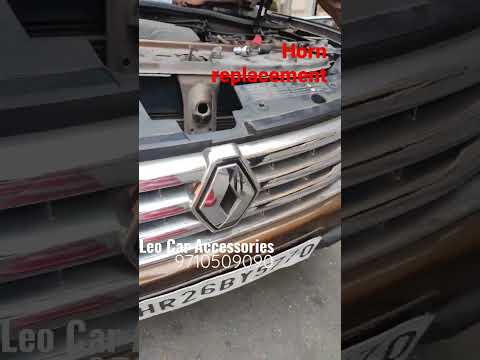
Today's main instructions will show you the procedure for removing and replacing the horn or sound signal on the Renault Duster, as well as the Dacia Duster. First, open the bonnet of the vehicle and start removing the front bumper by unscrewing all the fixing screws; you will find the horn right in front of the radiator, as shown in the video. At this point, disconnect the electrical connector and unscrew the bracket screw to remove and replace the horn with the new one; finally, reassemble the front bumper! by ScegliAuto More videos
|
|
For advertising on this site Write to info@scegliauto.com
ScegliAuto is not responsible for any inaccuracy of the data in the lists. To report any inaccuracy or your business (if you own the business in question), please write to info@scegliauto.com
Number of seconds to generate the page: 0.280
(c) ScegliAuto 2026 - info@scegliauto.com - Privacy policy VAT number: IT01247470535 |
