
|
Do it yourself
| |||
| ||||


Replacing the Battery on a Honda Civic
Model: Honda Civic
MK 10
- Years 2016-2021
In this video tutorial, we will show how to remove and replace the battery on a Honda Civic, following the instructions below. First, open the bonnet and start by disconnecting both battery terminals (positive and negative) using a 10 mm socket spanner; then undo the two nuts of the central battery bracket using the same socket spanner, as shown in the video. At this point, lift and remove the battery, replacing it with a new one (with the same amperage); now position the battery in place to make the connection!
Updated on 8 May 2026 by ScegliAuto
Video tutorial
Related tutorials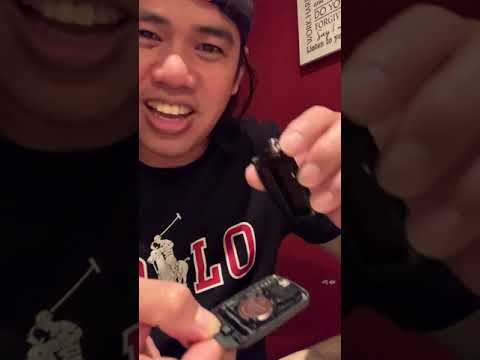
Honda Civic
(2016-2021 /
MK 10)
Start by pressing the rear button of the key for your Honda Civic to extract the physical emergency key. Next, using the emergency key as a lever, pr…
Honda Civic
(2012-2015 /
MK 9)
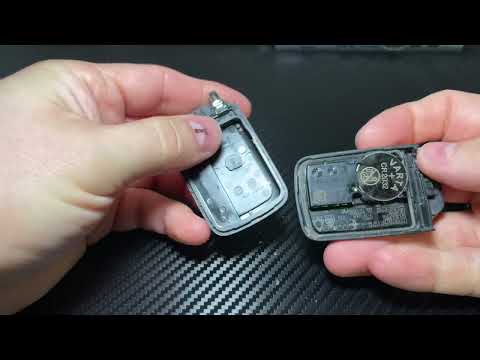
If the smart key of your Honda Civic has suddenly stopped working, you may need to replace the battery. In this mini guide, you will learn how to per…
Honda Civic
(2016-2021 /
MK 10)
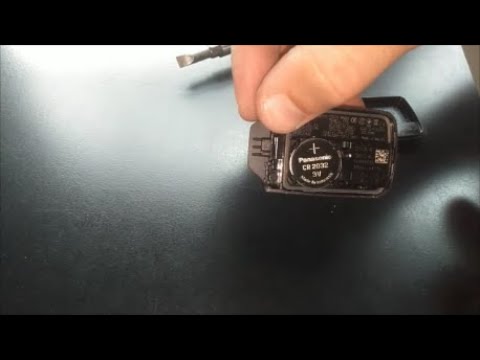
Start by pressing and holding the button located on the front of the key for your Honda Civic, while pulling out the physical emergency key. Next, us…
Other guides you may be interested in
|
How to Open a Stuck Boot on the Peugeot 407?
On the Peugeot 407, the boot may become stuck, possibly due to a problem with the control button or the lock actuator. In such cases, you can perform an emergency opening by following the simple procedure shown in this tutorial. First, open the rear doors, then lower the seat back by operating the release lever. Next, go inside the boot, locate the lock, and manually operate it using a flathead screwdriver. The boot will then be free to open. by ScegliAuto More videos
|
|
For advertising on this site Write to info@scegliauto.com
ScegliAuto is not responsible for any inaccuracy of the data in the lists. To report any inaccuracy or your business (if you own the business in question), please write to info@scegliauto.com
Number of seconds to generate the page: 0.087
(c) ScegliAuto 2026 - info@scegliauto.com - Privacy policy VAT number: IT01247470535 |
