
|
Do it yourself
| |||
| ||||


Hyundai Santro Years 2018-2025 (MK 3)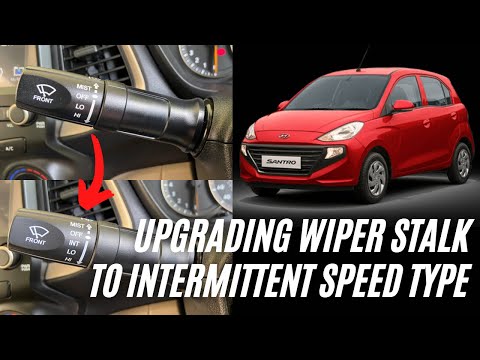 Hyundai Santro (2018-2025 / MK 3)
How to Replace the Wiper Control Lever in the Hyundai Santro? In this tutorial, you will see how to replace the wiper control lever in the Hyundai Santro, a very simple operation. First, ensure that the key is not in the …Read all… Posted on 1 August 2026 by ScegliAuto 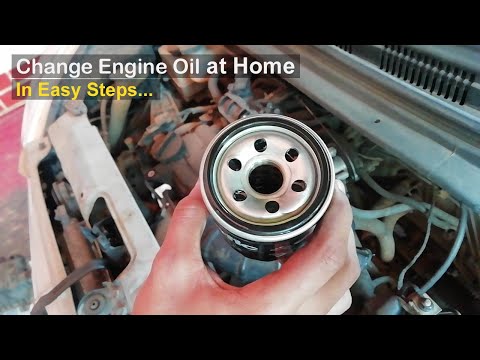 Hyundai Santro (2018-2025 / MK 3)
How to Change the Engine Oil and Filter on the Hyundai Santro Mk3 This guide shows how to change the engine oil and filter for the Hyundai Santro Mk3. First, secure the vehicle and open the oil filler cap. From underneath the …Read all… Posted on 30 July 2026 by ScegliAuto 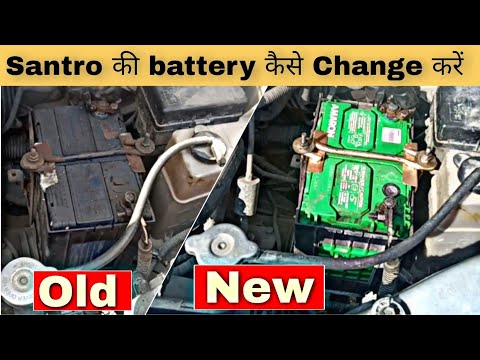 Hyundai Santro (2018-2025 / MK 3)
How to Change the Battery on the Hyundai Santro If you are about to replace the battery on this car model and are looking for guidance on how to proceed, the description below provides all the instructions …Read all… Posted on 22 July 2026 by ScegliAuto 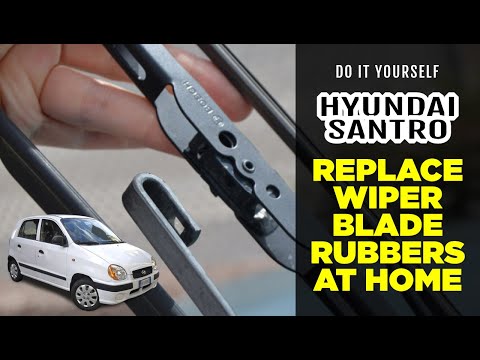 Hyundai Santro (2018-2025 / MK 3)
How to Replace the Rear Windshield Wiper Blade Rubber Insert on a Hyundai Santro To replace just the rubber insert of the rear windshield wiper blade, follow these steps: Lift the wiper arm away from the rear windshield, align the blade …Read all… Posted on 6 September 2026 by ScegliAuto 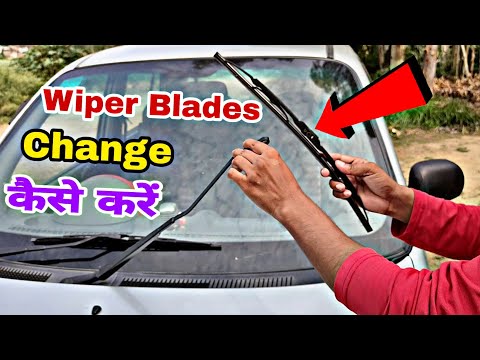 Hyundai Santro (2018-2025 / MK 3)
How to Replace the Front Windshield Wiper Blades on the Hyundai Santro If you need to replace the front windshield wiper blades on this vehicle model, you can find the instructions and procedures to follow in the description below …Read all… Posted on 29 July 2026 by ScegliAuto 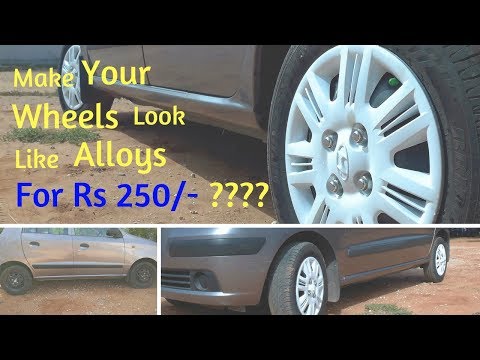 Hyundai Santro (2018-2025 / MK 3)
How to Paint and Polish the Wheel Covers of the Hyundai Santro If you want to paint and polish the wheel covers of the vehicle to make them look like alloy wheels, follow these steps: Remove the wheel covers and clean them …Read all… Posted on 11 July 2026 by ScegliAuto |
How to reset the tyre pressure warning light on the Dacia Sandero?
To reset the tyre pressure warning light on the Dacia Sandero, inflate all the tyres to the pressure indicated on the label on the driver's door. Once the tyres are inflated, turn on the ignition and navigate through the menu using the controls on the right side of the steering wheel. Scroll with the arrows to find the tyre pressure option: by holding down the OK button located on the right side of the steering wheel, you can reset the warning light. by ScegliAuto More videos
|
|
For advertising on this site Write to info@scegliauto.com
ScegliAuto is not responsible for any inaccuracy of the data in the lists. To report any inaccuracy or your business (if you own the business in question), please write to info@scegliauto.com
Number of seconds to generate the page: 0.011
(c) ScegliAuto 2026 - info@scegliauto.com - Privacy policy VAT number: IT01247470535 |
