
|
Do it yourself
| |||
| ||||


How to remove the rear light cluster of the Hyundai Tucson MK2
Model: Hyundai Tucson
LM, MK 2
- Years 2010-2015
In this video, we can see how to remove the rear light from a Hyundai Tucson MK2: first, it is necessary to open the rear hatch, because we can see that there are two screws holding it in place right where the hatch closes. We unscrew them and then pull the light towards us, moving it to release the retaining clip located at the front; then there are two pins closer to us, so we will have to exert some force to allow the optical group to come out of its housing. Once this operation is done, we just have to disconnect the electrical connector and the operation is complete.
Posted on 20 February 2025 by ScegliAuto
Video tutorial
Related tutorials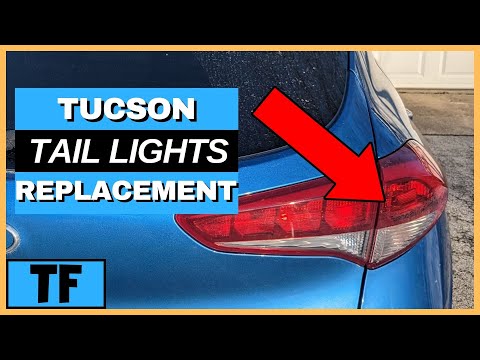
Hyundai Tucson
(2015-2021 /
TL, MK 3)
To replace the rear headlamp bulb on a Hyundai Tucson, open the boot so you can leverage an object to detach the black panel next to the light unit: …

Hyundai Tucson
(2015-2021 /
TL, MK 3)
Before you can start, you need to release and remove the physical key from the electronic key of your Hyundai Tucson by simply pressing the relevant …
Hyundai Tucson
(2015-2021 /
TL, MK 3)
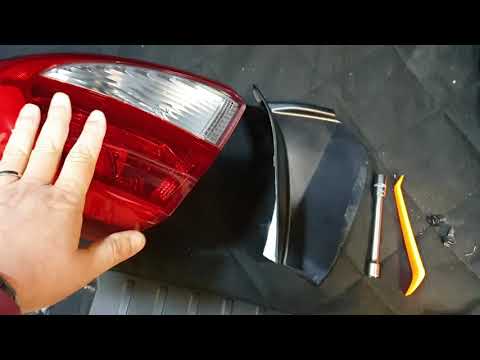
Today, learn how to remove the rear lights on a Hyundai Tucson. Start from the outer part mounted on the bodywork. Remove the protective plastic usin…
Other guides you may be interested in |
How to Reset the Tyre Pressure Light on the Opel Grandland X
While driving, if you notice the tyre pressure warning light coming on, first check the actual inflation pressure of the tyres and, if necessary, restore the pressures recommended by the manufacturer. After restoring the correct pressures, you need to reset the warning light that has illuminated on the instrument cluster. To do this, locate the reset button on the lower central console. Press this button and hold it down for at least 3 seconds, after which the low pressure indication will turn off. by ScegliAuto More videos
|
|
For advertising on this site Write to info@scegliauto.com
ScegliAuto is not responsible for any inaccuracy of the data in the lists. To report any inaccuracy or your business (if you own the business in question), please write to info@scegliauto.com
Number of seconds to generate the page: 0.052
(c) ScegliAuto 2026 - info@scegliauto.com - Privacy policy VAT number: IT01247470535 |
