
|
Do it yourself
| |||
| ||||


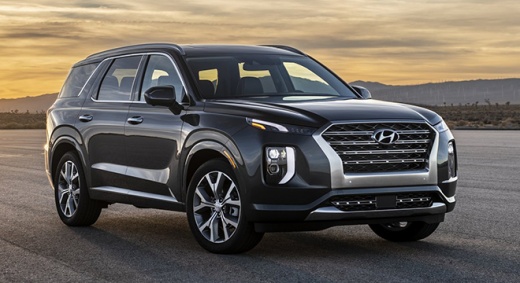
Battery replacement for Hyundai Palisade
Model: Hyundai Palisade
LX2, MK 1
- Years:
2019, 2020, 2021, 2022, 2023, 2024, 2025, 2026
Video tutorial
These short and simple instructions will allow us to disassemble and replace the battery of the Hyundai Palisade vehicle. First, we open the hood of the car and start unscrewing the fixing screw of the battery bracket that we find at the bottom, using a socket wrench with extension; then we disconnect both battery terminals (positive and negative), as shown in the video. At this point, we remove the battery from its compartment and replace it with the new one, of the correct type and with the same amperage; we make the electrical connection and start the engine!
Posted on 23 May 2025 by ScegliAuto
Related tutorials
Hyundai Palisade
(2019-2026 /
LX2, MK 1)
In today's video, we will see the entire procedure needed to replace the battery (CR2032) in a Hyundai Palisade key, produced from 2019 onwards. Let’…

Hyundai Palisade
(2019-2026 /
LX2, MK 1)
Replacing the key fob battery on a Hyundai Palisade is a very simple and quick operation. Here’s how to proceed in this tutorial. First, you will nee…

Hyundai Palisade
(2019-2026 /
LX2, MK 1)
The procedure that allows you to manually reset the TPMS alarm light on the instrument panel of your Hyundai Palisade is really simple. Below we expl…
Other guides you may be interested in
|
How to Set the Date and Time on the Iveco Daily
Today, we will see in this video tutorial how to change the date and time on the Iveco Daily. First, get into the vehicle and turn on the instrument panel; then go to the vehicle settings on the central display, pressing the relevant option for date and time. At this point, press the "set" button located at the top, using the physical arrow buttons to set both the date and time; finally, exit the onboard computer menu to save the changes made! by ScegliAuto More videos
|
|
For advertising on this site Write to info@scegliauto.com
ScegliAuto is not responsible for any inaccuracy of the data in the lists. To report any inaccuracy or your business (if you own the business in question), please write to info@scegliauto.com
Number of seconds to generate the page: 0.048
(c) ScegliAuto 2026 - info@scegliauto.com - Privacy policy VAT number: IT01247470535 |
