
|
Do it yourself
| |||
| ||||



How to Reset the Service Light on the 2016 Hyundai i30
Model: Hyundai I30
GD, MK 2
- Years:
2011, 2012, 2013, 2014, 2015, 2016
Video tutorial
Today, you will learn how to reset the service light related to the service interval on a 2016 Hyundai i30. Before performing the reset, it is important to carry out all the operations that make up the service, including the engine oil change. To execute the reset procedure, start the ignition and press the trip button. By repeatedly pressing the button, you will select the "Maintenance" setting, indicated by the spanner symbol. Press and hold the reset button to start the procedure for updating the mileage to the next service interval. Once completed, restart the ignition.
Posted on 29 May 2026 by ScegliAuto
Related tutorials
Hyundai I30
(2011-2016 /
GD, MK 2)
Today's instructions will allow us to reset the service light of the Hyundai I30 in simple steps. First, let's get inside the vehicle and start turni…

Hyundai I30
(2011-2016 /
GD, MK 2)
In order to reset the Service light of the Hyundai I30, you need to turn on the instrument panel by inserting the ignition key into the corresponding…
Hyundai I30
(2016-2024 /
MK 3, PD)
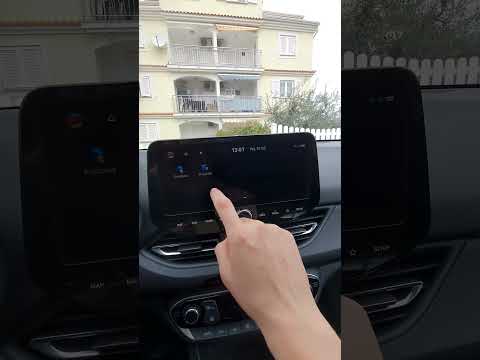
Resetting the service light on the 2022 Hyundai i30 is very simple and can be done independently. This reset is performed after each service, whether…
Other guides you may be interested in
|
How to Change the Time on the Peugeot 208
Today's guide will show you how to set the clock on the Peugeot 208's onboard computer, following the instructions below. First, get in the car and turn on the instrument panel; then press and hold the settings button on the panel for a few seconds until the time starts to flash, as shown in the video. At this point, press the left button to correctly set the time, adjusting the hour first and then the minutes; exit the onboard computer menu to save all the changes made! by ScegliAuto More videos
|
|
For advertising on this site Write to info@scegliauto.com
ScegliAuto is not responsible for any inaccuracy of the data in the lists. To report any inaccuracy or your business (if you own the business in question), please write to info@scegliauto.com
Number of seconds to generate the page: 0.045
(c) ScegliAuto 2026 - info@scegliauto.com - Privacy policy VAT number: IT01247470535 |
