
|
Do it yourself
| |||
| ||||



How to replace the brake pads on a 2006 Hyundai Tucson
Model: Hyundai Tucson
- Years:
2004, 2005, 2006, 2007, 2008, 2009
Video tutorial
Here’s how to replace the brake pads on a 2006 Hyundai Tucson: loosen the wheel nuts with the vehicle on the ground, then lift it with a jack and place it on axle stands, and remove the wheel. At the back of the brake, there are two 9/16" bolts securing the caliper to the bracket: remove them and the caliper will detach. The caliper bracket remains attached to the hub and should not be moved; remove the old pads using a flat screwdriver. The rear pads have a metal tab (the wear indicator); ensure it is positioned correctly during installation. Clean the area around the disc and all points where the new pads will slide. Remove the pins on which the caliper slides, clean them well, and apply high-temperature grease, then reinsert them, ensuring the protective boot is correctly positioned. Before fitting the new pads, retract the piston in the caliper, then insert the new pads, ensuring they fit snugly against the disc: these pads fit into the bracket, not just resting on top. Refit the caliper, insert the two 9/16" bolts, refit the wheel, and lower the vehicle.
Posted on 19 October 2026 by ScegliAuto
Related tutorials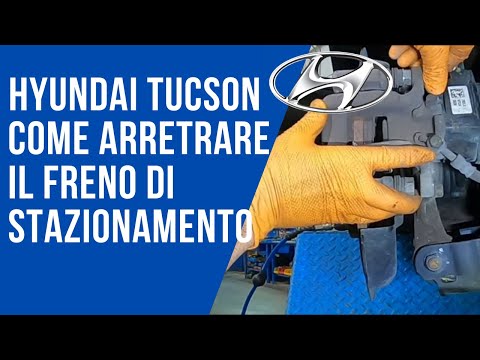
Hyundai Tucson
(2015-2021 /
MK 3, TL)
Replacing the rear brake pads on a Hyundai Tucson has never been easier thanks to our short video tutorial that will explain step by step how to carr…
Hyundai Tucson
(2015-2021 /
MK 3, TL)
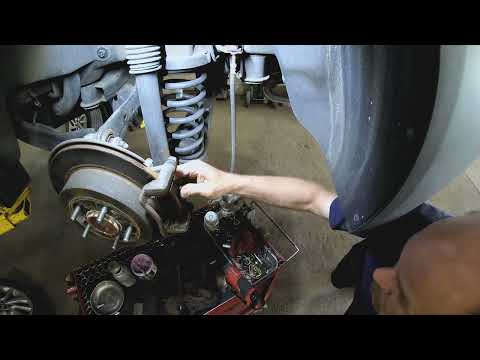
In this brief and simple guide, you will learn how to remove and replace the rear brake pads and handbrake pads of the Hyundai Tucson. First, raise t…
Hyundai Tucson
(2004-2009 /
JM, MK 1)
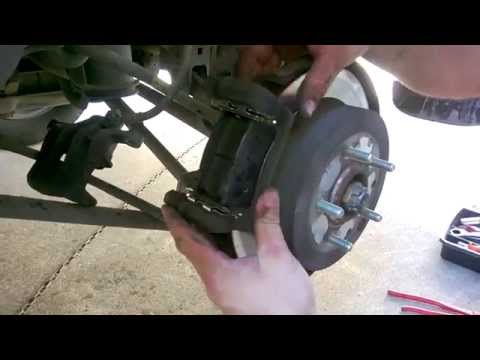
Follow these steps to replace the front brake pads on a Hyundai Tucson. Lift the vehicle on a column jack (crick) to the desired height, then remove …
Other guides you may be interested in
|
How to Reset the Tyre Warning Light on the Suzuki Swift
If the orange tyre warning light on the instrument cluster of your latest Suzuki Swift remains illuminated despite no loss of pressure, don't worry because you can easily reset it by following this procedure. First, get into the driver's seat and start the ignition, then press and hold the button located below the speedometer and release it as soon as the menu screen appears on the display. At this point, select "TPMS" and then press "TPMS Mode". Finally, select the "Load Mode" option and proceed with the manual reset of the warning light. by ScegliAuto More videos
|
|
For advertising on this site Write to info@scegliauto.com
ScegliAuto is not responsible for any inaccuracy of the data in the lists. To report any inaccuracy or your business (if you own the business in question), please write to info@scegliauto.com
Number of seconds to generate the page: 0.267
(c) ScegliAuto 2026 - info@scegliauto.com - Privacy policy VAT number: IT01247470535 |
