
|
Do it yourself
| |||
| ||||


Replacing Bulb on Hyundai Accent
Model: Hyundai Accent
RB, MK 4, RC
- Years 2010-2017
Open the bonnet and place the support rod. Simply unscrew the lower cover located behind the headlights by hand. Disconnect the connector, release the metal clip (it's a bit hidden, let's say the position isn't ideal for the job), and remove the bulb. Fit the new bulb and reassemble everything in reverse order: position the metal clip, reconnect the connector, and screw the lower headlight cover back on. For safety, work with the ignition key removed, the battery disconnected, and the handbrake engaged.
Updated on 2 May 2026 by ScegliAuto
Video tutorial
Related tutorials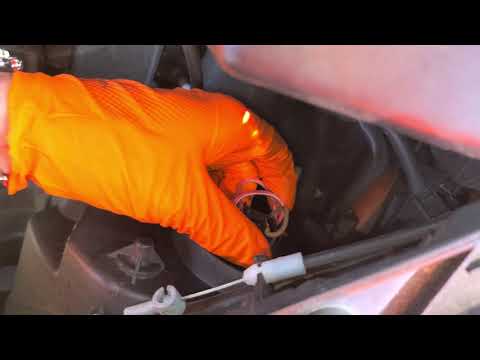
Hyundai Accent
(2005-2009 /
MK 2, MC)
Replacing the front headlamp bulb on a Hyundai Accent is really straightforward, a very simple job that anyone can do, and now we will show you how. …

Hyundai Accent
(2010-2017 /
RB, MK 4, RC)
Replacing one of the rear bulbs of your Hyundai Accent Mk4 is really simple and thanks to the procedure described in the following guide, you will be…
Hyundai Accent
(2010-2017 /
RB, MK 4, RC)
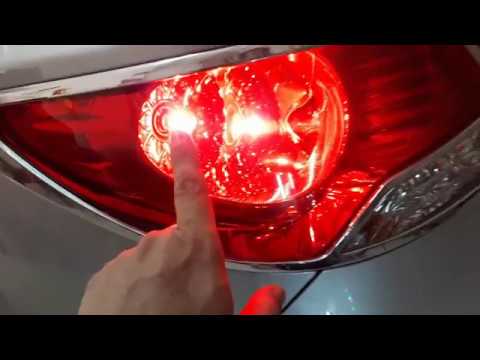
Need to replace the rear light bulbs on a Hyundai Accent? In this video, learn how to remove the light and replace the bulbs inside. Open the boot li…
Other guides you may be interested in
|
How to reset the tyre pressure warning light on the Dacia Sandero?
To reset the tyre pressure warning light on the Dacia Sandero, inflate all the tyres to the pressure indicated on the label on the driver's door. Once the tyres are inflated, turn on the ignition and navigate through the menu using the controls on the right side of the steering wheel. Scroll with the arrows to find the tyre pressure option: by holding down the OK button located on the right side of the steering wheel, you can reset the warning light. by ScegliAuto More videos
|
|
For advertising on this site Write to info@scegliauto.com
ScegliAuto is not responsible for any inaccuracy of the data in the lists. To report any inaccuracy or your business (if you own the business in question), please write to info@scegliauto.com
Number of seconds to generate the page: 0.151
(c) ScegliAuto 2026 - info@scegliauto.com - Privacy policy VAT number: IT01247470535 |
