
|
Do it yourself
| |||
| ||||


How do you reset the Service light on the 2018 Iveco Daily?
Model: IVECO Daily
MK 4
- Years 2006-2020
The procedure for resetting the Service light on a 2018 Iveco Daily, as shown in the video posted here, is really within everyone's reach, as long as you know how to do it. First of all, however, you must make sure if there are any other maintenance tasks, in addition to changing the oil and filter, to be performed on the vehicle. Then, after completing all maintenance operations, we will take care of the light, by doing the following: turn on the instrument panel, press the accelerator, wait fifteen seconds, and press the brake ten times consecutively, release both pedals and turn off the aforementioned instrument panel. Operation completed.
Posted on 7 April 2025 by ScegliAuto
Video tutorial
Related tutorials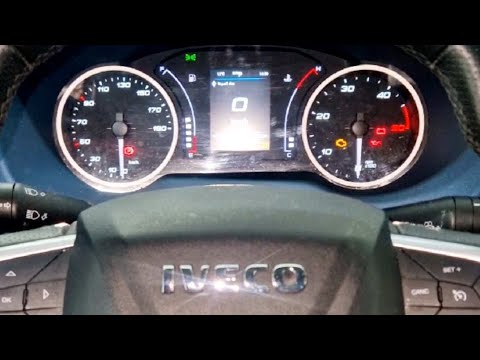
IVECO Daily
(2014-2026 /
MK 5)
To reset the service light on the Iveco Daily, follow these steps: Turn on the Iveco Daily and ensure the service light is displayed on the dashboard…
IVECO Daily
(2006-2020 /
MK 4)
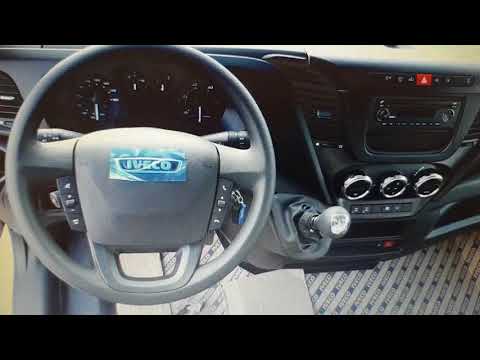
After performing the mandatory service on an Iveco Daily, it is necessary to reset the maintenance light. Start by turning on the vehicle and then pr…

IVECO Daily
(2014-2026 /
MK 5)
Below we will see the procedure on how to reset the service light for the routine maintenance of the oil change on the Iveco Daily. First, we get on …
Other guides you may be interested in
|
How to Adjust the Headlights on a Dacia Sandero
To adjust the headlights on a Dacia Sandero, turn on the instrument panel by rotating the appropriate key in the ignition switch. Once the panel is on, use the knob located to the left of the steering column, at the bottom of the dashboard. Turning this knob counterclockwise will lower the beam of the headlights; conversely, turning it clockwise will raise the beam. Once the correct angle is found, you can turn off the instrument panel. by ScegliAuto More videos
|
|
For advertising on this site Write to info@scegliauto.com
ScegliAuto is not responsible for any inaccuracy of the data in the lists. To report any inaccuracy or your business (if you own the business in question), please write to info@scegliauto.com
Number of seconds to generate the page: 0.194
(c) ScegliAuto 2026 - info@scegliauto.com - Privacy policy VAT number: IT01247470535 |
