
|
Do it yourself
| |||
| ||||


How to Reset the Service Light on an Iveco Daily
Model: IVECO Daily
MK 5
- Years 2014-2026
The service light on the Iveco Daily resets not through buttons, but by a pedal sequence. Here’s the procedure. Turn on the ignition and wait for it to complete its normal reading. Press the accelerator pedal fully and hold it down. While keeping the accelerator pressed, press the brake pedal 9 times in sequence, but with a pause between each press (do not press in rapid succession). After the ninth brake press, release the accelerator pedal as well. Turn off the ignition and wait for about a minute. Turn the ignition back on and start the engine; the service light should be gone.
Posted on 26 February 2026 by ScegliAuto
Video tutorial
Related tutorials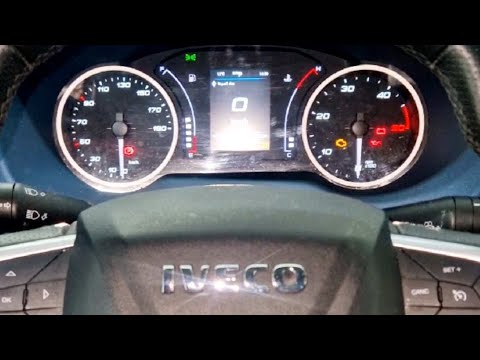
IVECO Daily
(2014-2026 /
MK 5)
To reset the service light on the Iveco Daily, follow these steps: Turn on the Iveco Daily and ensure the service light is displayed on the dashboard…
IVECO Daily
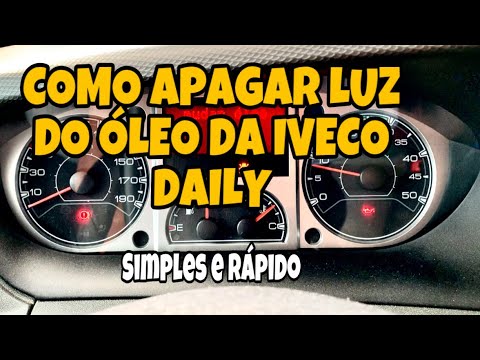
To reset the Service light on the Iveco Daily, turn the key to switch on the instrument panel and check that the light is illuminated. To reset it, p…

IVECO Daily
(2014-2026 /
MK 5)
Below, we will discover the information that allows us to reset the service light for the routine maintenance oil change on the Iveco Daily. First, g…
Other guides you may be interested in
|
What Does the "Code 60" Message Mean in the Opel Meriva?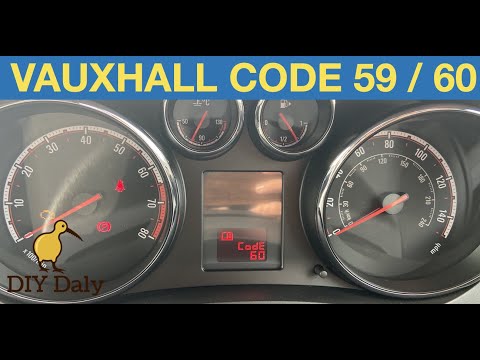
If the "Code 60" message has appeared on the dashboard of your Opel Meriva, it means that the passenger side window is not calibrated correctly. This issue can arise, for example, after disconnecting or replacing the battery, as the control unit for the various devices will lose the stored data. To remove the warning from the dashboard, simply turn on the ignition, fully open the window, and then close it. This procedure is also valid for the driver's window if the "Code 59" message appears. by ScegliAuto More videos
|

|
For advertising on this site Write to info@scegliauto.com
ScegliAuto is not responsible for any inaccuracy of the data in the lists. To report any inaccuracy or your business (if you own the business in question), please write to info@scegliauto.com
Number of seconds to generate the page: 0.743
(c) ScegliAuto 2026 - info@scegliauto.com - Privacy policy VAT number: IT01247470535 |
