
|
Do it yourself
| |||
| ||||


Fitting the External Rear-View Mirror on an Iveco Daily Camper
Model: IVECO Daily
MK 4
- Years:
2006, 2007, 2008, 2009, 2010, 2011, 2012, 2013, 2014, 2015, 2016, 2017
Video tutorial
In this short video, see how to install the external rear-view mirror on an Iveco Daily Camper by following these simple steps. First, position the rear-view mirror, passing the cables through the outer hole; then start by securing the outer screws using a socket spanner, before moving on to the inner screws, as shown in the video. At this point, connect the electrical connector for the mirror adjustment and fit the inner plastic cover; all that’s left is to adjust the mirror to your liking!
Updated on 11 April 2026 by ScegliAuto
Related tutorials
IVECO Daily
(1999-2006 /
MK 3)
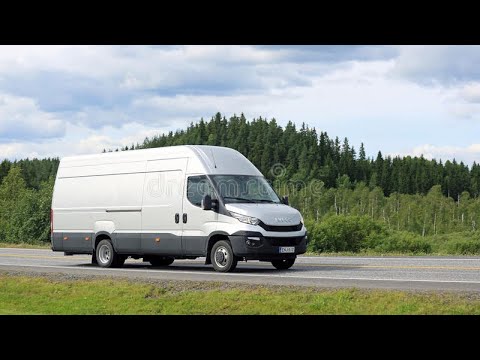
In this tutorial, you will learn how to replace the front indicators on the Iveco Daily camper, a very simple and quick task. First, ensure the key i…
IVECO Daily
(2014-2026 /
MK 5)
This guide will show you how to dismantle and replace the external wing mirror of the Iveco Daily in simple steps. First, open the front door and rem…
IVECO Daily
(2006-2020 /
MK 4)
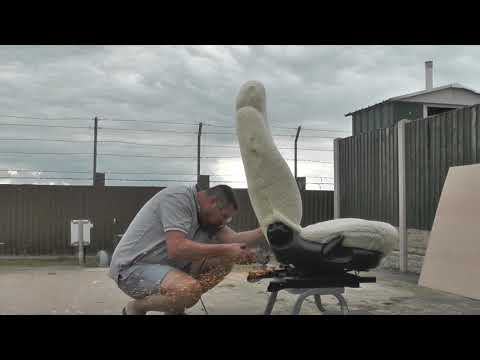
This video shows how to take a standard seat from a Ford Galaxy and, with a small modification, transform it into a swivel seat for our Iveco Daily c…
Other guides you may be interested in |
How to lower the rear seats in the Peugeot 206?
In this tutorial, you will see how to lower the rear seats in the Peugeot 206, a very simple and quick operation, for example, if you need more space in the boot. First, open both the doors and the tailgate, then unclip the seat base and position it vertically. Next, remove the horizontal partition, locate the release levers at the ends of both seatbacks, and, by operating them, lower the seatbacks. To reassemble everything, simply follow the reverse procedure. by ScegliAuto More videos
|
|
For advertising on this site Write to info@scegliauto.com
ScegliAuto is not responsible for any inaccuracy of the data in the lists. To report any inaccuracy or your business (if you own the business in question), please write to info@scegliauto.com
Number of seconds to generate the page: 0.015
(c) ScegliAuto 2026 - info@scegliauto.com - Privacy policy VAT number: IT01247470535 |
