
|
Do it yourself
| |||
| ||||


How to Reset the Service Light on an Iveco Daily
Model: IVECO Daily
MK 4
- Years 2006-2020
Video tutorial
Detailed instructions - After changing the oil and the corresponding filter on this vehicle model, you will need to reset the service light that is illuminated on the dashboard. You can find the instructions in the video and description below. First, access the driver's seat and turn on the ignition, then press and hold the accelerator pedal fully down and press the brake pedal seven times in quick succession. After that, continue to hold the accelerator pedal for at least one minute, then turn off the ignition, wait at least one minute, and turn the ignition back on; the light will be reset.
Updated on 12 July 2026 by ScegliAuto
Related tutorials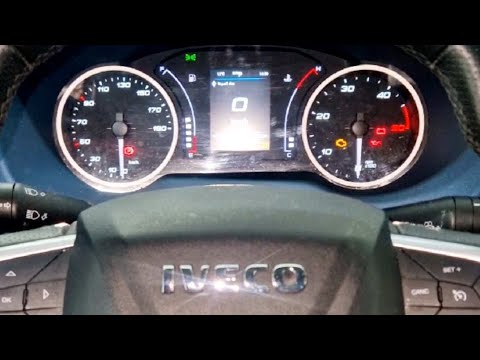
IVECO Daily
(2014-2026 /
MK 5)
To reset the service light on the Iveco Daily, follow these steps: Turn on the Iveco Daily and ensure the service light is displayed on the dashboard…
IVECO Daily
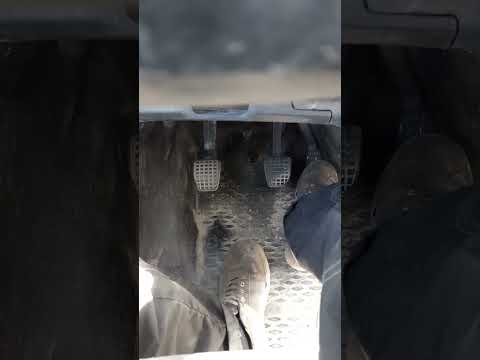
After performing the oil change as per the maintenance schedule for the Iveco Daily, follow these steps to reset the Service light on the dashboard t…
IVECO Daily
(2014-2026 /
MK 5)
In this video, follow the instructions to reset the service light for the regular maintenance oil change on a 2014 Iveco Daily. First, get inside the…
Other guides you may be interested in
|
How to Lower the Rear Seat Backs of the Mercedes C-Class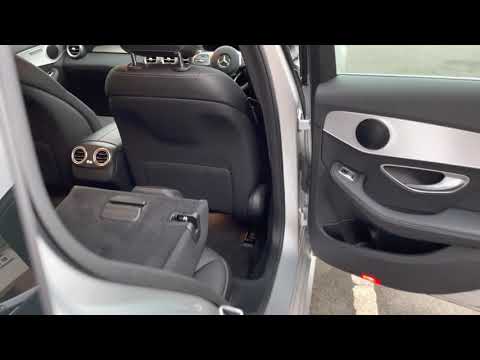
Follow these steps to lower the rear seat backs of the Mercedes C-Class. First, unlock the door latches and open the trunk. On both sides, there is a release button for the seat backs that will allow you to lower them instantly, as shown in the video. To raise the seat backs again, you must do it manually until they latch securely; reclining the seat backs will significantly increase the cargo space! by ScegliAuto More videos
|
|
For advertising on this site Write to info@scegliauto.com
ScegliAuto is not responsible for any inaccuracy of the data in the lists. To report any inaccuracy or your business (if you own the business in question), please write to info@scegliauto.com
Number of seconds to generate the page: 0.065
(c) ScegliAuto 2026 - info@scegliauto.com - Privacy policy VAT number: IT01247470535 |
