
|
Do it yourself
| |||
| ||||


How do you reset the Iveco Daily Service light?
Model: IVECO Daily
In order to reset the Iveco Daily Service warning light, you have to turn the key to turn on the instrument panel, without however starting the engine: once the panel has been turned on, you will need to press the accelerator pedal and while if you hold it down, you will have to press the brake pedal eight consecutive times. At this point it will be possible to release both pedals and switch off the instrument panel completely; this can then be turned on again by turning the key and in this way it will be possible to verify that the warning light has completely disappeared.
Posted on 26 March 2023 by ScegliAuto
Video tutorial
Related tutorials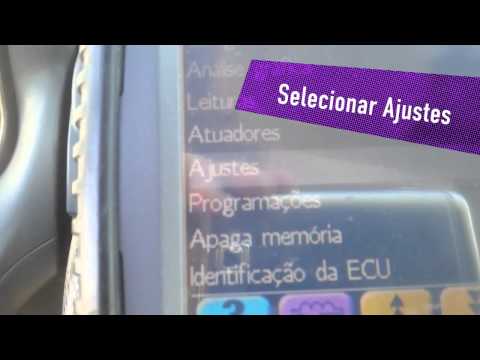
IVECO Daily
Today, let's find out how to reset the Iveco Daily oil change routine maintenance warning light by following the instructions below. First of all, we…
IVECO Daily
(2014-2024 /
MK 5)
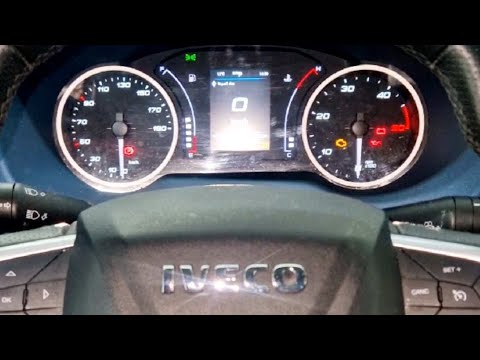
To reset the service light on the Iveco Daily, you can follow these steps: Turn on the Iveco Daily and make sure the service light is displayed on th…
IVECO Daily
To reset the Service light on the Iveco Daily, you need to hold down the accelerator and brake pedals while the instrument panel is turned off. Then,…
Other guides you may be interested in
|
How to Top Up the Radiator Fluid on Mercedes Vito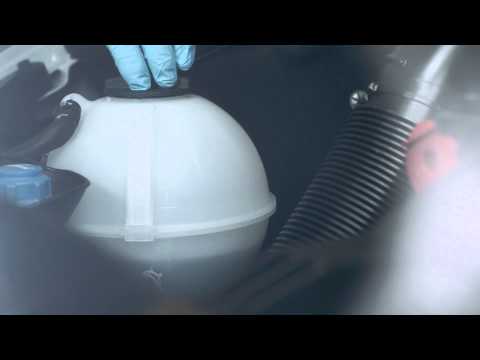
Learn how to top up the fluid in the cooling radiator reservoir on a Mercedes Vito yourself to save on labour costs. First, pull the plastic lever located at the bottom left of the dashboard, lift the bonnet and secure it with the metal prop. Locate the cap for topping up the fluid in the radiator reservoir (unscrew it). Using a funnel, top up with screen wash fluid and close the reservoir cap. Close the engine cover after maintenance. Test the correct functioning of the maintenance performed previously. by ScegliAuto More videos
|
|
For advertising on this site Write to info@scegliauto.com
ScegliAuto is not responsible for any inaccuracy of the data in the lists. To report any inaccuracy or your business (if you own the business in question), please write to info@scegliauto.com
Number of seconds to generate the page: 0.207
(c) ScegliAuto 2026 - info@scegliauto.com - Privacy policy VAT number: IT01247470535 |
