
|
Do it yourself
| |||
| ||||


How to calibrate the tire pressure warning of the Kia Sportage
Model: Kia Sportage
MK 4, QL
- Years 2016-2022
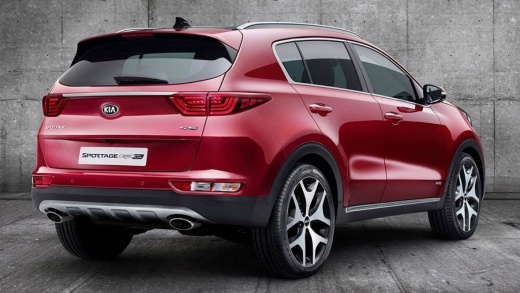
Today we will see the instructions that will allow us to calibrate the tire pressure sensors of the Kia Sportage, thereby resetting the TPMS warning that appears on the instrument panel. First, it is necessary to bring all four tires to the operating pressures, as indicated on the label on the side of the body pillar on the driver's side; then we will use the appropriate calibration tool to record the pressures on the TPMS sensors, approaching them as shown in the video. Finally, we verify the effective reset of the tire pressure warning!
Posted on 5 July 2025 by ScegliAuto
Video tutorial
Related tutorials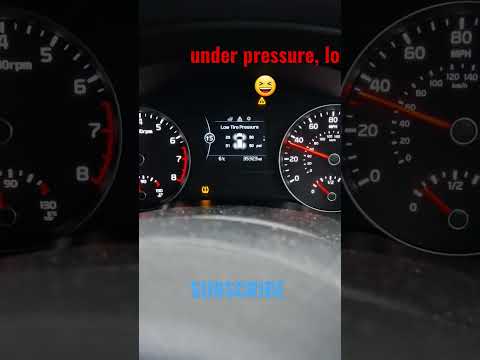
Kia Sportage
(2016-2022 /
MK 4, QL)
In this guide, we will see the instructions that will allow us to restore the tire pressure of the Kia Sportage; in fact, we will bring all four tire…
Kia Sportage
(2016-2022 /
MK 4, QL)
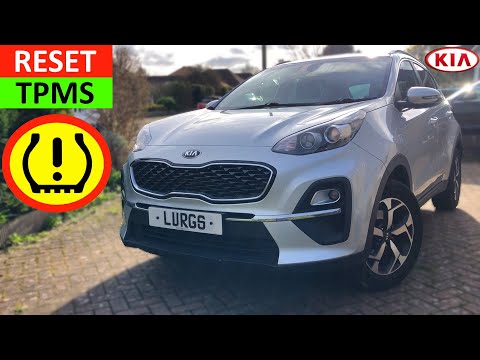
The tire pressure sensor of the Kia Sportage can be reset simply by inflating the tires to the recommended pressure value: for this car model, the re…
Kia Sportage
(2016-2022 /
MK 4, QL)
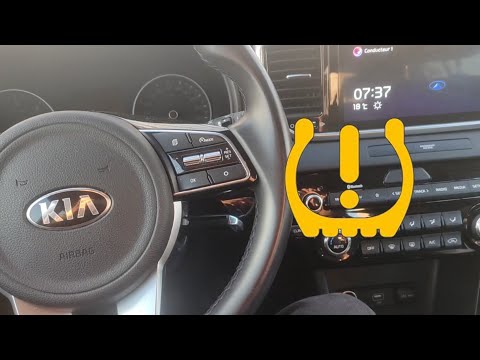
Today we will discover how to reset the tire pressure monitoring system (TPMS) light on the Kia Sportage. Before performing the reset, it is necessar…
Other guides you may be interested in
|
How to Remove the Glow Plugs on a Mercedes E-Class
Do you want to remove the glow plugs on a Mercedes E-Class and don't know how? Let's see in this detailed video how to proceed with the removal. Pull the engine hood release lever located on the bottom left of the dashboard and lift the front hood, securing it. Remove the soundproofing panel that covers the engine. Use a socket wrench to unscrew the glow plug, pull it out of the cylinder head (perform the same operation on the other glow plugs). Take the new glow plug and insert it into the cylinder head using the socket wrench. Finally, reinstall the plastic cylinder head cover panel. by ScegliAuto More videos
|
|
For advertising on this site Write to info@scegliauto.com
ScegliAuto is not responsible for any inaccuracy of the data in the lists. To report any inaccuracy or your business (if you own the business in question), please write to info@scegliauto.com
Number of seconds to generate the page: 0.051
(c) ScegliAuto 2026 - info@scegliauto.com - Privacy policy VAT number: IT01247470535 |
