
|
Do it yourself
| |||
| ||||


How to Connect Your Smartphone to the Kia K8
Model: Kia K8
MK 1
- Years 2021-2026
By connecting your smartphone to the Kia K8's radio, you can safely use its various functions without risking accidents or getting a ticket for using your phone while driving. From the Home screen, first select "Setup" and then "Device connection settings." From here, choose "Android Auto" or "Apple CarPlay" depending on whether your smartphone has the Android or iOS operating system (from Apple). Next, connect your smartphone to the USB port using the appropriate cable. Now you can use your smartphone's functions from the radio display.
Updated on 19 July 2026 by ScegliAuto
This video is currently unavailable
Related tutorials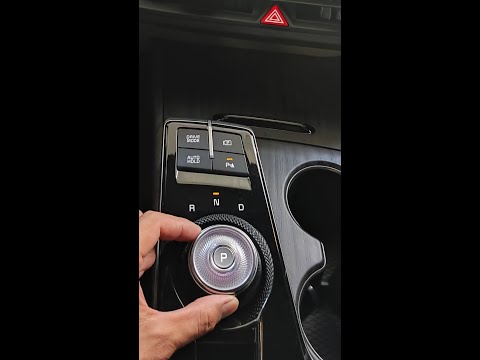
Kia K8
(2021-2026 /
MK 1)
This guide provides brief tips on how to use the automatic transmission of the Kia K8, following the instructions below. First, get in the vehicle, w…
Kia K8
(2021-2026 /
MK 1)
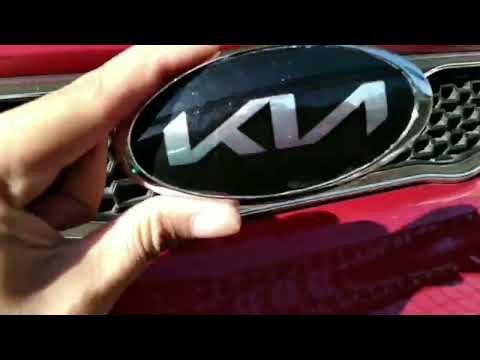
To replace the emblem located on the front of the new Kia K8, you only need a few simple steps. With the following guide, you will be able to complet…

Kia K8
(2021-2026 /
MK 1)
In this video tutorial, we will provide guidance on how to use all the instruments included with the Kia K8. First, get inside the vehicle and start …
Other guides you may be interested in
|
How to Replace the Battery on a Honda Vision 110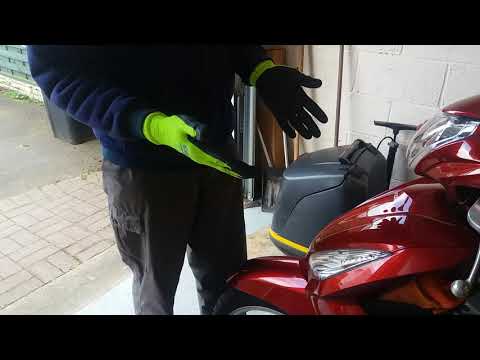
To replace the battery on a Honda Vision 110, you need to remove the front fairing of the motorcycle, located directly under the front headlamp. To loosen this panel, unscrew the two screws found at its top, just below the handlebar. Once these screws are loosened, lever under the panel to detach it, gaining access to the battery underneath: this battery must be removed from its housing by unscrewing the fixing screws and disconnecting the power cables, replacing it with a new one. by ScegliAuto More videos
|
|
For advertising on this site Write to info@scegliauto.com
ScegliAuto is not responsible for any inaccuracy of the data in the lists. To report any inaccuracy or your business (if you own the business in question), please write to info@scegliauto.com
Number of seconds to generate the page: 0.055
(c) ScegliAuto 2026 - info@scegliauto.com - Privacy policy VAT number: IT01247470535 |
