
|
Do it yourself
| |||
| ||||


How to Manually Set the Time on a Kia Rio 4
Model: Kia KIA Various
In this mini guide, discover how to manually and correctly set the time on your Kia Rio fourth generation (2016-2023). First, insert the key and turn on the instrument cluster. Next, power up the central display and press the "Setup" button. Once done, click on the "All menus" icon and enter the vehicle settings. Now click on "Date/Time" and proceed to modify the displayed time. Once you have set the correct time, exit the menu to save the changes and turn off the ignition.
Updated on 24 July 2026 by ScegliAuto
Video tutorial
Related tutorials
Kia KIA Various
To manually change the time displayed on your 2016 Kia Sedona, follow these simple steps outlined in this mini guide. First, insert the key and turn …

Kia KIA Various
Today, we will discover the procedure and necessary instructions on how to remove and replace the headlight bulb on the Kia Rio in simple steps. Firs…
Kia KIA Various
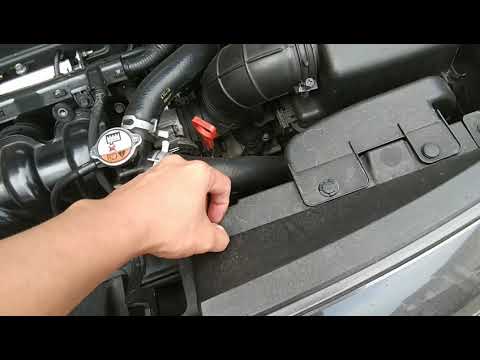
Today we will go through the main steps to remove and replace the front headlamp on the Kia Rio, following the instructions below. First, open the bo…
Other guides you may be interested in
|
How to Check the Oil Level on a Jeep Renegade?
To check the oil level on a Jeep Renegade, you need to open the bonnet to access the components inside the engine bay: on the lower left side of the engine block, you will find the dipstick for checking the level. This should be pulled out and thoroughly cleaned with a cloth: once cleaned, reinsert it back into its tube and pull it out immediately after. This way, you can check that the oil mark is between the minimum and maximum levels; finally, you can place the dipstick back in its tube. by ScegliAuto More videos
|
|
For advertising on this site Write to info@scegliauto.com
ScegliAuto is not responsible for any inaccuracy of the data in the lists. To report any inaccuracy or your business (if you own the business in question), please write to info@scegliauto.com
Number of seconds to generate the page: 0.699
(c) ScegliAuto 2026 - info@scegliauto.com - Privacy policy VAT number: IT01247470535 |
