
|
Do it yourself
| |||
| ||||


|
Model: Kymco Super Dink 300
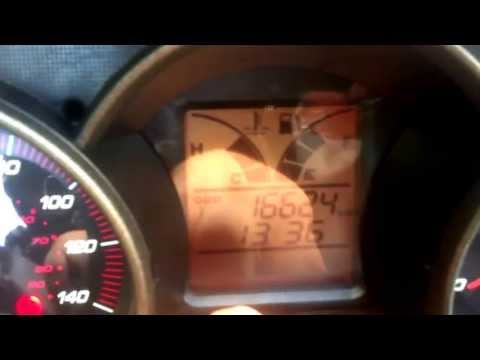
To reset the Oil Service light on the Kymco Super Dink 300, turn the key to switch on the instrument panel. Once it is powered on, press the button on the right of the instrument panel multiple times until "Trip A" appears. Once this text is displayed, press and hold the buttons on both the right and left of the instrument panel for a few seconds. When the light turns off, you can release the buttons and switch off and back on the instrument panel to check that the reset has occurred.
Updated on 17 May 2026 by ScegliAuto
Video tutorial
Related tutorials
Super Dink 300
In order to reset the Service light on the Kymco Super Dink 300, you need to turn on the instrument panel by inserting the ignition key into the corr…

Super Dink 300
To replace the front brake pads on a Kymco Super Dink 300, loosen the bolts securing the brake caliper to the disc so that it can be completely detac…
Super Dink 300
To reset the Oil Service light on the Kymco Super Dink 300, turn the key to switch on the instrument cluster; once it is on, press the button located…
|
How to Replace the Air Filter on a Honda CB500X?
Replacing the air filter on the Honda CB500X, as shown in this tutorial, is a very simple and quick operation. First, remove the seat, then loosen the nut securing the negative terminal of the battery, disconnect it, and repeat the process for the positive terminal. Next, detach the upper strap, remove the battery, and unscrew the 4 screws securing the airbox cover. Once opened, you can extract the old filter, remove any residue present in the housing, and fit the new part. by ScegliAuto More videos
|
|
For advertising on this site Write to info@scegliauto.com
ScegliAuto is not responsible for any inaccuracy of the data in the lists. To report any inaccuracy or your business (if you own the business in question), please write to info@scegliauto.com
Number of seconds to generate the page: 0.005
(c) ScegliAuto 2026 - info@scegliauto.com - Privacy policy VAT number: IT01247470535 |
