
|
Do it yourself
| |||
| ||||


|
Model: Kymco Super Dink 300
To reset the Oil Service light on the Kymco Super Dink 300, turn the key to switch on the instrument cluster; once it is on, press the button located to the right of the instrument cluster multiple times until "Trip A" appears. Once this message is displayed, press and hold the buttons on the right and left of the instrument cluster simultaneously for a few seconds. When the light turns off, you can release the buttons and turn off and on the instrument cluster to verify the reset.
Updated on 19 September 2026 by ScegliAuto
Video tutorial
Related tutorials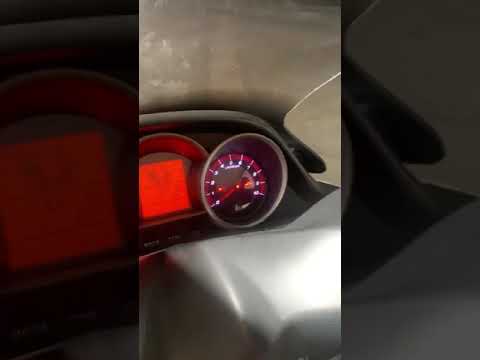
Super Dink 300
To reset the Oil Service light on the Kymco Super Dink 300, turn the key to switch on the instrument panel. Once it is powered on, press the button o…

Super Dink 300
In order to reset the Service light on the Kymco Super Dink 300, you need to turn on the instrument panel by inserting the ignition key into the corr…

Super Dink 300
In this tutorial we can see how to reset the oil service in the Kymco Super Dink scooter, an extremely simple and quick operation, to be carried out …
|
How to Replace the Battery of the Kymco Agility 125?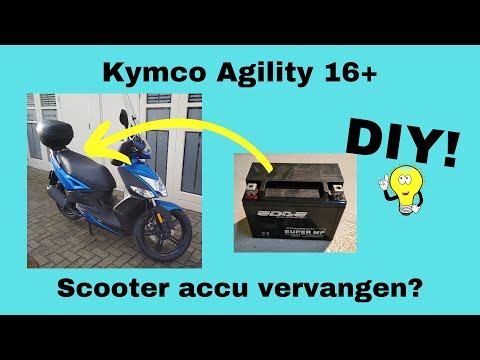
To replace the battery of the Kymco Agility 125, lift the seat to access the compartment underneath. At the rear of the under-seat compartment, you will find the battery under the corresponding panel. By unscrewing the screws that secure the panel, you can access the battery underneath, which must be freed from the corresponding securing screws and the appropriate power cables. Once the device is free, insert the new one, connecting and securing it properly, and cover everything with the panel. by ScegliAuto More videos
|
|
For advertising on this site Write to info@scegliauto.com
ScegliAuto is not responsible for any inaccuracy of the data in the lists. To report any inaccuracy or your business (if you own the business in question), please write to info@scegliauto.com
Number of seconds to generate the page: 0.006
(c) ScegliAuto 2026 - info@scegliauto.com - Privacy policy VAT number: IT01247470535 |
