
|
Do it yourself
| |||
| ||||


How to Replace the Low Beam Bulbs in a Lada Kalina?
Model: Lada Kalina
MK 1
- Years 2004-2013
In this tutorial, you will see how to replace the low beam bulbs in a Lada Kalina. First, ensure that the key is not in the ignition for safety. Then, open the hood and, if present, remove the large cap located at the back of the headlight. Once done, disconnect the power connector and extract the bulb from the housing by unlocking the corresponding metal clip. Follow the reverse procedure to install the replacement bulb, avoiding direct contact with it using bare hands. For the passenger side, you will need to remove the windshield washer reservoir to access the back of the headlight.
Updated on 15 May 2026 by ScegliAuto
Video tutorial
Related tutorials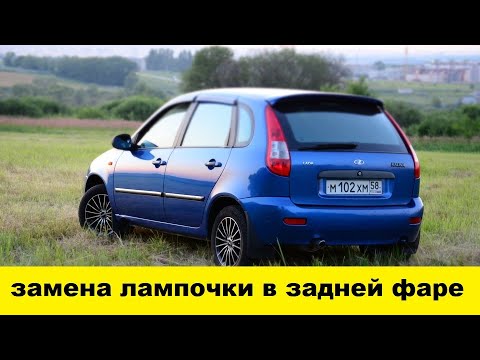
Lada Kalina
(2004-2013 /
MK 1)
Here are the steps to disassemble and replace the rear headlight bulbs on the Lada Kalina, following the instructions below. First, open the trunk ha…
Lada Kalina
(2013-2018 /
MK 2)
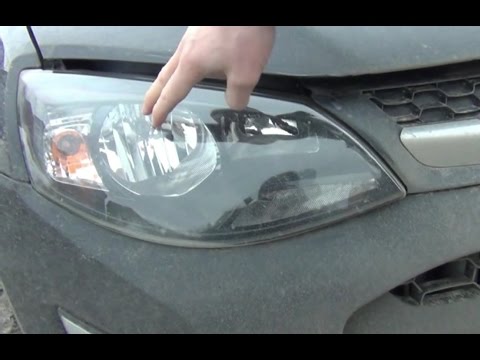
To replace the headlight bulb of the Lada Kalina, open the hood to access the back of the corresponding headlight. You will find a circular plastic c…
Lada Kalina
(2004-2013 /
MK 1)
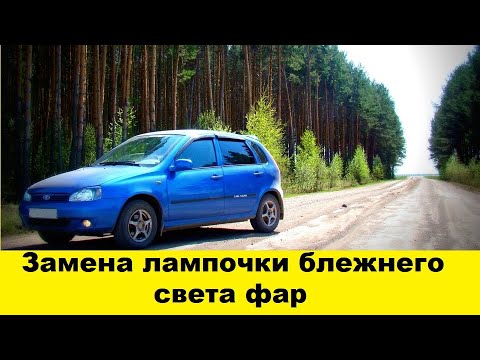
To replace the headlight bulb on a Lada Kalina, open the hood to access the components in the engine compartment. Locate the protective cover of the …
Other guides you may be interested in
|
How to Adjust the Brightness of the Instrument Cluster on a Peugeot 3008?
To adjust the brightness of the instrument cluster on a Peugeot 3008, you need to turn on the ignition and access the settings via the menu located in the central area of the dashboard. In the screen that appears, select the "Display Configuration" option: now, by selecting the "Brightness" option, you can adjust it using the dedicated slider that will appear on the screen. The adjustment should be made with the headlights on as well as with them off. Once the adjustment is complete, you can turn off the instrument cluster. by ScegliAuto More videos
|
|
For advertising on this site Write to info@scegliauto.com
ScegliAuto is not responsible for any inaccuracy of the data in the lists. To report any inaccuracy or your business (if you own the business in question), please write to info@scegliauto.com
Number of seconds to generate the page: 0.268
(c) ScegliAuto 2026 - info@scegliauto.com - Privacy policy VAT number: IT01247470535 |
