
|
Do it yourself
| |||
| ||||


Removing the Logo from Lancia Musa
Model: Lancia Musa
MK 1
- Years:
2004, 2005, 2006, 2007, 2008, 2009, 2010, 2011, 2012
Video tutorial
Removing the manufacturer's logo from the Lancia Musa? Here’s how to detach it from the front bonnet. Use a heat gun to warm up the old logo (as shown in the video). Pry off the logo with a plastic lever. Once the metal piece is detached, remove it from its location and prepare to fit the new logo. Clean the surface of the front bonnet before gluing the logo. Position the emblem perfectly in the logo holder, press with your hands until the emblem fits securely into the holder. Finally, check that everything is mounted perfectly.
Updated on 18 March 2026 by ScegliAuto
Related tutorials
Lancia Musa
(2004-2012 /
MK 1)
To remove the central grille with the logo located on the front bumper of a Lancia Musa, open and lift the front bonnet of the car. Using a socket wr…
Lancia Musa
(2004-2012 /
MK 1)
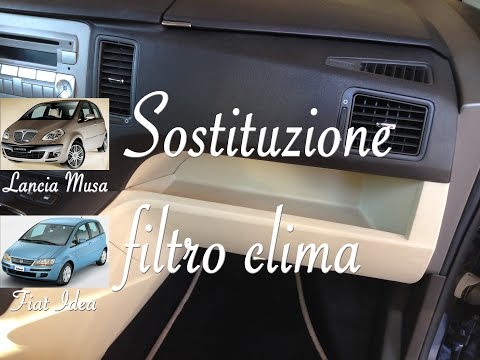
Before you can start, sit in the front passenger seat of your Lancia Musa. Begin by removing the glove compartment by unscrewing the relevant fixing …
Lancia Musa
(2004-2012 /
MK 1)
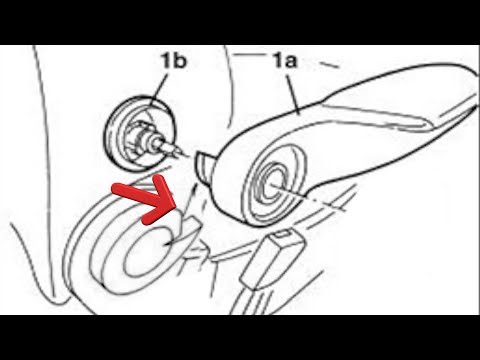
Before starting, enter your Lancia Musa. Begin by removing the knob that adjusts the seat tilt. Next, insert the tip of a medium-sized flathead screw…
Other guides you may be interested in |
How to Set the Date and Time on the Iveco Daily
Today, we will see in this video tutorial how to change the date and time on the Iveco Daily. First, get into the vehicle and turn on the instrument panel; then go to the vehicle settings on the central display, pressing the relevant option for date and time. At this point, press the "set" button located at the top, using the physical arrow buttons to set both the date and time; finally, exit the onboard computer menu to save the changes made! by ScegliAuto More videos
|
|
For advertising on this site Write to info@scegliauto.com
ScegliAuto is not responsible for any inaccuracy of the data in the lists. To report any inaccuracy or your business (if you own the business in question), please write to info@scegliauto.com
Number of seconds to generate the page: 0.011
(c) ScegliAuto 2026 - info@scegliauto.com - Privacy policy VAT number: IT01247470535 |
