
|
Do it yourself
| |||
| ||||


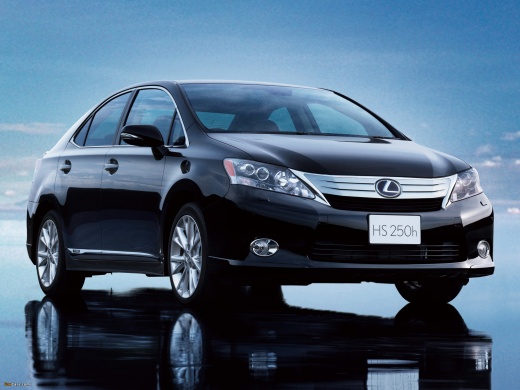
How to Reset the Service Light on a Lexus HS?
Model: Lexus HS
Anf10
- Years:
2009, 2010, 2011, 2012, 2013, 2014, 2015, 2016, 2017
Video tutorial
Resetting the service light on a Lexus HS, as shown in this tutorial, is a very simple and quick operation. Before doing this, ensure you have completed all scheduled maintenance tasks. Start by inserting the key and turning on the ignition, then with quick presses of the "Trip" button located to the right of the dashboard, scroll through the display screens until you reach the "Trip A" mileage count. At this point, turn off the ignition and turn it back on while holding down the same button, releasing it after seeing a series of zeros.
Updated on 27 May 2026 by ScegliAuto
Related tutorials
Lexus HS
(2009-2017 /
Anf10)
Follow the instructions below to reset the engine oil light (service) on a Lexus HS. First, get inside the vehicle and turn on the ignition, making s…
Lexus HS
(2009-2017 /
Anf10)
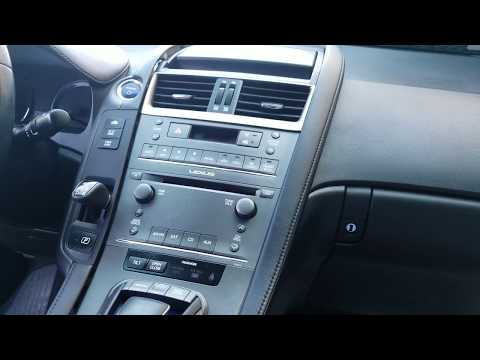
In this guide, follow the steps to remove and replace the factory radio in the Lexus HS. First, get inside the vehicle and start removing the trim pi…

Lexus HS
(2009-2017 /
Anf10)
In this video, you can see where the fuse boxes are located in the Lexus HS 250h and what their diagrams are, useful in case you need to check the fu…
Other guides you may be interested in
|
How to Activate the Automatic Folding and Unfolding of the Wing Mirrors on the Jeep Compass
Follow these brief instructions to activate the automatic folding and unfolding of the external wing mirrors on the Jeep Compass. First, get inside the vehicle and turn on the ignition; then press the button located beneath the mirror glass adjustment to electrically open the mirror, as shown in the video. Pressing the button in the opposite direction will close the mirrors; by holding the button, the mirrors will open and close automatically! by ScegliAuto More videos
|
|
For advertising on this site Write to info@scegliauto.com
ScegliAuto is not responsible for any inaccuracy of the data in the lists. To report any inaccuracy or your business (if you own the business in question), please write to info@scegliauto.com
Number of seconds to generate the page: 0.090
(c) ScegliAuto 2026 - info@scegliauto.com - Privacy policy VAT number: IT01247470535 |
