
|
Do it yourself
| |||
| ||||


|
Model: Malaguti Spidermax Gt 500
To reset the Service light on the Malaguti Spidermax GT500, press and hold the MODE button while the instrument panel is off. Next, turn the key to switch on the instrument panel and wait for the menu to appear that allows you to perform the reset. Navigate to the "Oil" option and continue to hold the MODE button until a message confirming the light's deactivation appears on the display. To verify that this has been done correctly, switch off and then switch on the instrument panel again.
Updated on 6 May 2026 by ScegliAuto
Video tutorial
Related tutorials
Spidermax Gt 500
To replace the shock absorbers on a Malaguti Spidermax GT 500, open the under-seat compartment by lifting the seat after unlocking it with the key. N…

Spidermax Gt 500
To reset the ECU of the Malaguti Spidermax GT 500, open the fuse box of the vehicle: this is located in the lower left fairing relative to the steeri…
Spidermax Gt 500
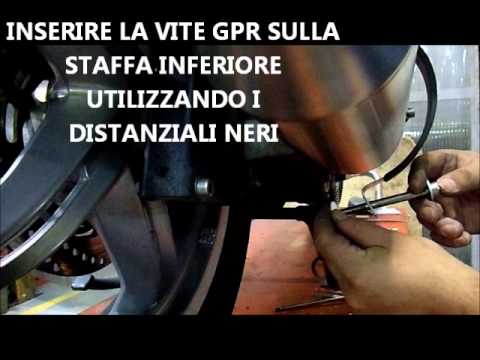
To replace the exhaust on a Malaguti Spidermax GT 500, first remove the old exhaust by loosening the clamp and unscrewing the bolts that secure it to…
|
How to replace the coolant in the BMW S1000 R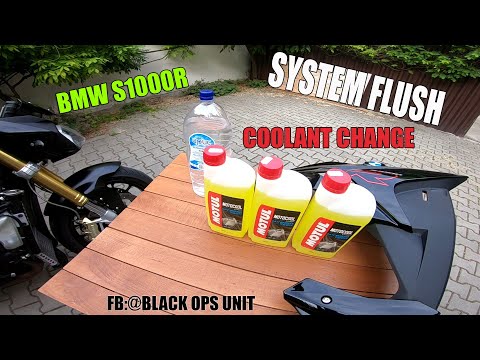
Today, we will see in this video tutorial how to bleed and replace the coolant in the BMW S1000 R motorcycle. First, place your motorcycle on a stand and start unscrewing the bleed screw located on the water pump casing, found at the bottom right; let the fluid drain into a container for about ten minutes. Now, unscrew the radiator cap and top up with the new coolant, the correct type for your radiator; fill it to the maximum level mark, starting the engine to circulate the fluid! by ScegliAuto More videos
|
|
For advertising on this site Write to info@scegliauto.com
ScegliAuto is not responsible for any inaccuracy of the data in the lists. To report any inaccuracy or your business (if you own the business in question), please write to info@scegliauto.com
Number of seconds to generate the page: 0.008
(c) ScegliAuto 2026 - info@scegliauto.com - Privacy policy VAT number: IT01247470535 |
