
|
Do it yourself
| |||
| ||||


How to set the brightness of the Maxus T60 display
Model: Maxus T60
MK 1
- Years 2016-2024
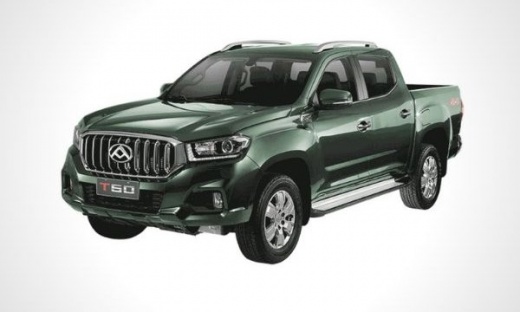
Let's see in this short and simple guide how to set the brightness of the Maxus T60 multimedia system display, following the instructions below. First of all we get in the car and turn on the instrument panel; then let's move to the central display and go to the settings item (as well as the "general" item), as shown in the video. At this point we go to the screen saver item and set the brightness manually or through the day mode; then we leave the settings menu to save the changes.
Posted on 7 August 2022 by ScegliAuto
Video tutorial
Related tutorials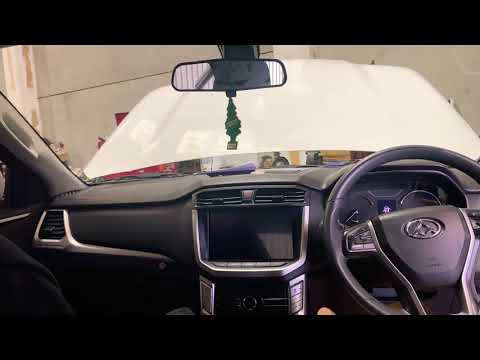
Maxus T60
(2016-2024 /
MK 1)
In today's video tutorial we will see how to disassemble and replace the Maxus T60 car radio display by following these simple and quick steps. First…

Maxus T60
(2016-2024 /
MK 1)
In this guide, we will see the procedure that will allow us to disassemble and replace the timing belt of the Maxus T60 and MG T60. First, we open th…
Maxus T60
(2016-2024 /
MK 1)
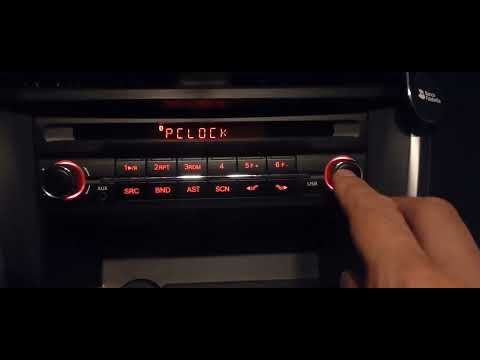
Setting the time on the radio of a Maxus T60 is a very simple operation that can be done independently, thanks also to our short video tutorial. The …
Other guides you may be interested in
|
How to Remove the Passenger Door Panel on a Volkswagen Polo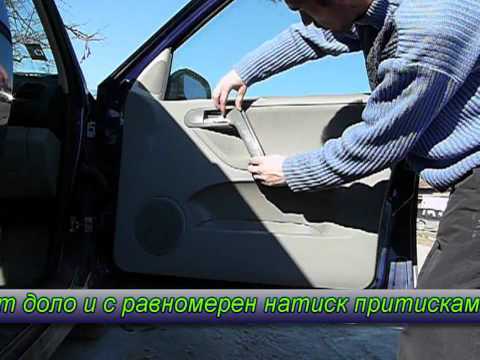
How do you remove the passenger door panel on a Volkswagen Polo? This video illustrates how to proceed. Before starting the disassembly work, disconnect the battery terminals located in the front engine bay. Using a lever or screwdriver, pry at the handle on the door panel to detach its covering. Use a screwdriver to undo any screws present on the panel, then use a plastic lever to detach all the clips around the perimeter of the door panel, and pull it away by hand. Now, disconnect the opening lever cable, the window lift terminals, and the speaker terminals. Reassemble everything by retracing your steps. by ScegliAuto More videos
|
|
For advertising on this site Write to info@scegliauto.com
ScegliAuto is not responsible for any inaccuracy of the data in the lists. To report any inaccuracy or your business (if you own the business in question), please write to info@scegliauto.com
Number of seconds to generate the page: 0.052
(c) ScegliAuto 2026 - info@scegliauto.com - Privacy policy VAT number: IT01247470535 |
