
|
Do it yourself
| |||
| ||||


Guide to using the Maxus D90 Infotainment system.
Model: Maxus D90
MK 1
- Years 2017-2024
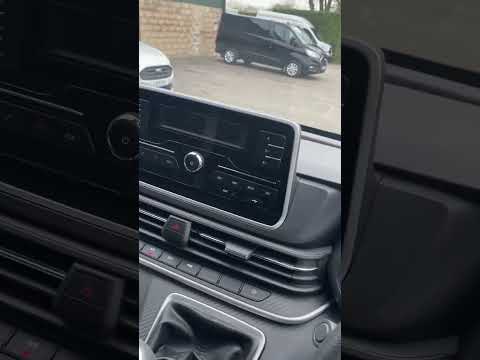
In this short and simple guide, we will see the main functions of the Maxus D90 infotainment system, following the instructions below. First, we get into the car and turn on the instrument panel and then the central display; we can then access the radio, vehicle settings, air conditioning, and navigation, as shown in the video. Later, all the various available functions are illustrated, as well as how to activate them. Ultimately, we can say that the Maxus D90 infotainment system proves to be very intuitive and easy to use.
Posted on 21 May 2023 by ScegliAuto
Video tutorial
Related tutorials
Maxus D90
(2017-2024 /
MK 1)
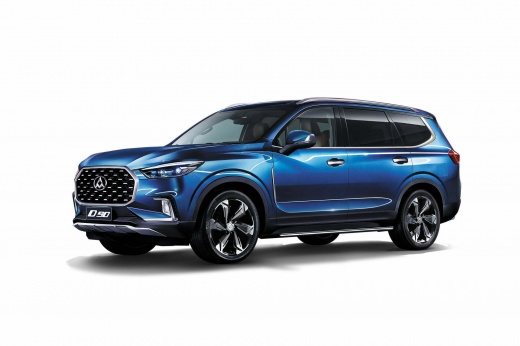
The LDV D90 is a large SUV built in China by Saic, one of the largest Chinese manufacturers, also the owner of the Maxus brand. In fact, the LDV D90 …
Maxus D90
(2017-2024 /
MK 1)
Unlike the different models of Maxus, resetting the service light, also known as the maintenance light, on the Maxus D90 is done differently but not …
Maxus D90
(2017-2024 /
MK 1)
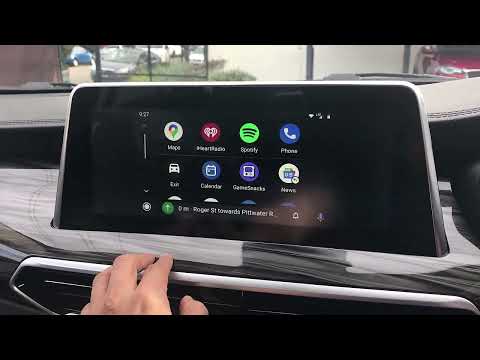
Here we see how to associate your smartphone to the screen of our Maxus D90 with a CP-AA Adapter: it is a device that allows us, via the USB cable, t…
Other guides you may be interested in
|
Removing the External Handle of a Peugeot 407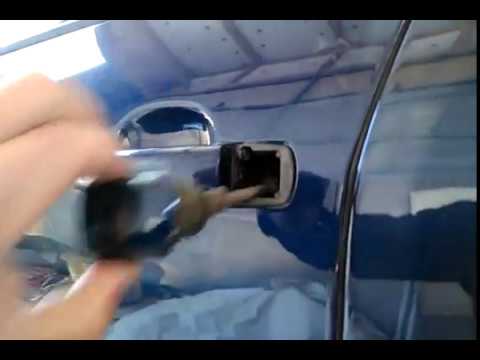
Removing the external handle of a Peugeot 407. Open the car door; unscrew the screw located at the side of the door as shown in the video, remove the left cover of the handle, then slide the handle to the left of the door. Remove the door opening handle and extract the lock from the door. Compare the removed handle with the new handle to be fitted. Insert the new handle with the lock and its cover into the door. Finally, test the correct fitting and operation (by manually operating the handle). by ScegliAuto More videos
|
|
For advertising on this site Write to info@scegliauto.com
ScegliAuto is not responsible for any inaccuracy of the data in the lists. To report any inaccuracy or your business (if you own the business in question), please write to info@scegliauto.com
Number of seconds to generate the page: 0.044
(c) ScegliAuto 2026 - info@scegliauto.com - Privacy policy VAT number: IT01247470535 |
