
|
Do it yourself
| |||
| ||||


How to Reset the Tyre Warning Light on a Mazda CX-5
Model: Mazda CX-5
MK 1, KE
- Years 2012-2017
To completely reset the tyre pressure warning light on your Mazda CX-5, the procedure is very simple and quick. Using the car's screen, access the settings and scroll until you find the tyre pressure monitoring screen. On the screen, you will also see an option for a complete reset of the warning light. Just follow the given instructions, and you're done. It is advisable to keep an eye on tyre pressure to maintain performance and avoid hazards.
Posted on 7 May 2026 by ScegliAuto
Video tutorial
Related tutorials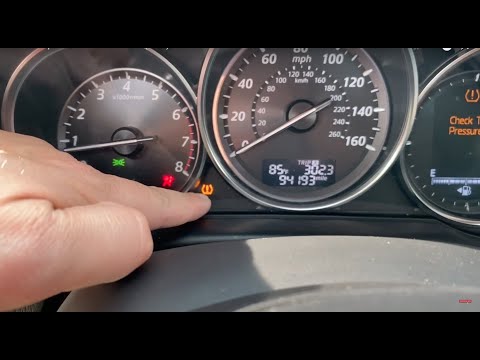
Mazda CX-5
(2012-2017 /
MK 1, KE)
To reset the tyre pressure warning light, first inflate the tyres until they reach the pressure indicated on the sticker on the driver's door pillar.…
Mazda CX-5
(2017-2024 /
MK 2)
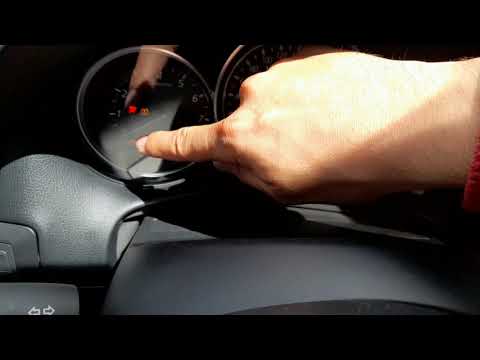
When a tyre (or more than one) has a pressure that is too low compared to the standard, whether due to a puncture or simply being deflated, the tyre …

Mazda CX-5
(2012-2017 /
MK 1, KE)
In this tutorial we can see how to reset the tire pressure light in the Mazda CX-5, an extremely simple and quick operation, to be performed only onc…
Other guides you may be interested in
|
How to Check the Oil Level on a Jeep Renegade?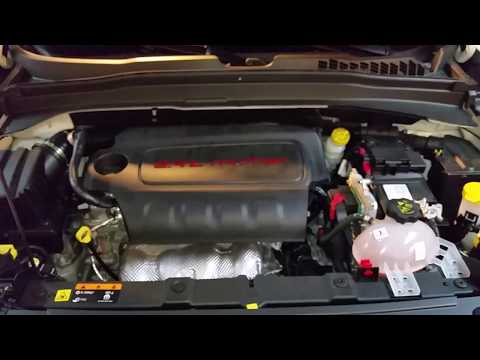
To check the oil level on a Jeep Renegade, you need to open the bonnet to access the components inside the engine bay: on the lower left side of the engine block, you will find the dipstick for checking the level. This should be pulled out and thoroughly cleaned with a cloth: once cleaned, reinsert it back into its tube and pull it out immediately after. This way, you can check that the oil mark is between the minimum and maximum levels; finally, you can place the dipstick back in its tube. by ScegliAuto More videos
|

|
For advertising on this site Write to info@scegliauto.com
ScegliAuto is not responsible for any inaccuracy of the data in the lists. To report any inaccuracy or your business (if you own the business in question), please write to info@scegliauto.com
Number of seconds to generate the page: 0.216
(c) ScegliAuto 2026 - info@scegliauto.com - Privacy policy VAT number: IT01247470535 |
