
|
Do it yourself
| |||
| ||||


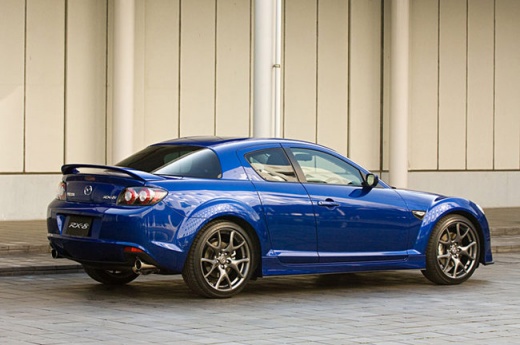
Instructions for Removing the Original Car Radio
Model: Mazda Rx 8
MK 1
- Years:
2003, 2004, 2005, 2006, 2007, 2008, 2009, 2010, 2011, 2012
Video tutorial
To access the fixing screws of the centre console (which includes the car radio and the climate control buttons), first remove the cover of the centre tunnel: unscrew the gear lever knob and detach the plastic cover, which also includes the gear lever gaiter; then remove the ashtray compartment by disconnecting the relevant plugs and unscrew the first two fixing screws of the console located just behind the ashtray compartment. Another screw is positioned laterally, and to unscrew it, you need to remove the plastic cover under the steering column. Finally, pull the console forward.
Updated on 8 February 2026 by ScegliAuto
Related tutorials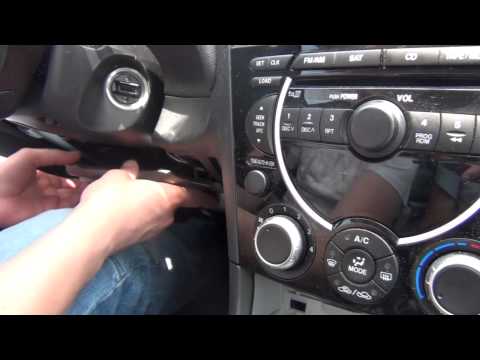
Mazda Rx 8
(2003-2012 /
MK 1)
It is often useful to have an interface to connect your mobile phone to the car radio. To check the compatibility of the chosen interface, press and …
Mazda Rx 8
(2003-2012 /
MK 1)
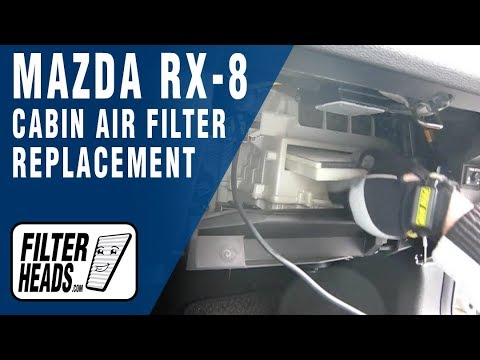
Obtain a pollen filter of the same model identical to the original. These filters can be easily found on various online sales sites. The pollen filte…
Mazda Rx 8
(2003-2012 /
MK 1)
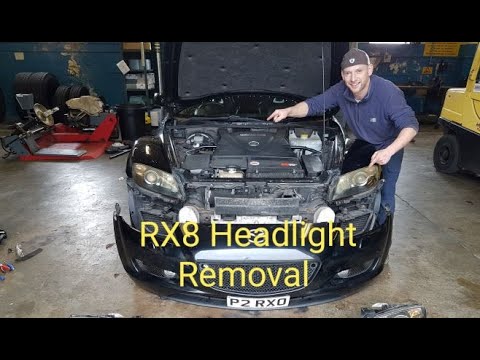
In this video tutorial, you will learn how to remove and replace the front headlights on the Mazda RX-8 by following the instructions below. First, o…
Other guides you may be interested in |
How to Open the Fuel Filler Flap in the Hyundai i30?
In this tutorial, you will learn how to open the fuel filler flap in the Hyundai i30, a very simple operation that follows the typical procedure of most vehicles. First, unlock the locks using the designated button on the remote, then open the driver's door, locate the release lever on the left side of the seat, and operate it. Next, move to the fuel filler flap, open it completely, unscrew the cap, and refuel as needed. To close the flap, simply press it gently. by ScegliAuto More videos
|
|
For advertising on this site Write to info@scegliauto.com
ScegliAuto is not responsible for any inaccuracy of the data in the lists. To report any inaccuracy or your business (if you own the business in question), please write to info@scegliauto.com
Number of seconds to generate the page: 0.008
(c) ScegliAuto 2026 - info@scegliauto.com - Privacy policy VAT number: IT01247470535 |
