
|
Do it yourself
| |||
| ||||


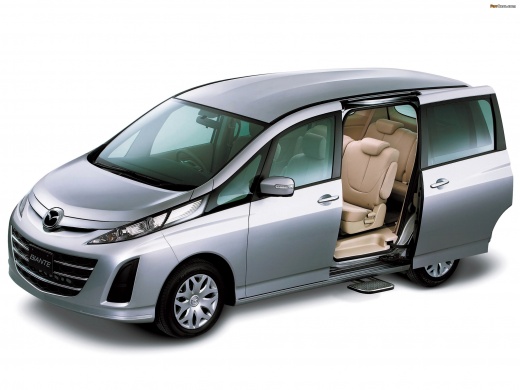
How to Replace the Rear Wheel Bearing on a Mazda Biante?
Model: Mazda Biante
MK 1
- Years:
2008, 2009, 2010, 2011, 2012, 2013, 2014, 2015, 2016, 2017, 2018
Video tutorial
To replace the rear wheel bearing on a Mazda Biante, lift the vehicle to access the bolts securing the corresponding rear wheel, then remove the wheel completely. Once the wheel is off, unscrew the bolts securing the brake caliper at the rear, remove it, and then unscrew the bolts holding the brake rotor. This will provide access to the hub, allowing you to extract and replace the bearing inside with a new one. After the replacement, reinstall all other components.
Updated on 1 June 2026 by ScegliAuto
Related tutorials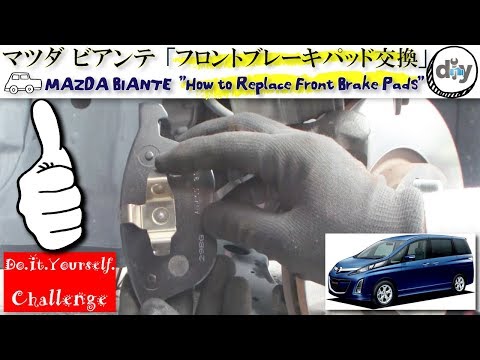
Mazda Biante
(2008-2018 /
MK 1)
To replace the front brake pads on a Mazda Biante, lift the car with a jack so that the corresponding wheel can be completely removed. This can be do…
Mazda Biante
(2008-2018 /
MK 1)
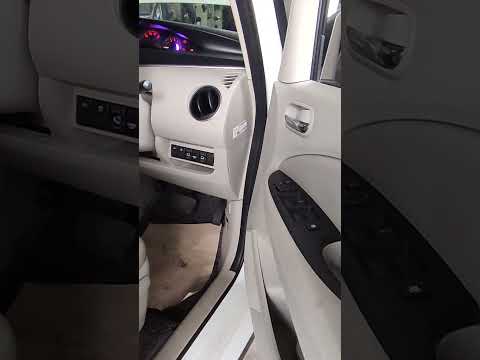
If you still can't find the OBD port on your Mazda Biante after several attempts, don't worry. Just follow these instructions to clear up any doubts.…
Mazda Biante
(2008-2018 /
MK 1)
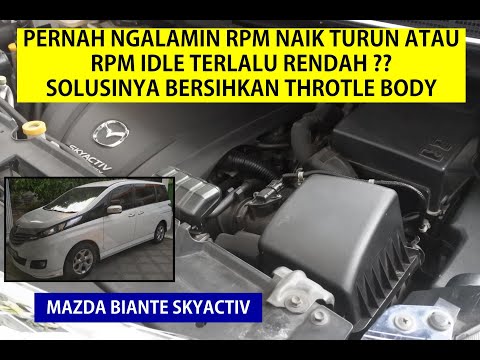
To replace the throttle body on a Mazda Biante, open the hood to access the components inside the engine compartment. Remove the air filter box compl…
Other guides you may be interested in
|
How to Reset the Tyre Pressure Warning Light on a Kia Ceed
This brief and simple guide will show you how to reset the tyre pressure warning light (TPMS) on a Kia Ceed. Before performing the reset, ensure all four tyres are at the correct operating pressure. Get inside the vehicle and turn on the ignition. Locate the reset button on the dashboard, next to the steering wheel, as shown in the video. Press and hold the TPMS reset button until the warning light blinks on the dashboard and then goes out completely! by ScegliAuto More videos
|
|
For advertising on this site Write to info@scegliauto.com
ScegliAuto is not responsible for any inaccuracy of the data in the lists. To report any inaccuracy or your business (if you own the business in question), please write to info@scegliauto.com
Number of seconds to generate the page: 0.022
(c) ScegliAuto 2026 - info@scegliauto.com - Privacy policy VAT number: IT01247470535 |
