
|
Do it yourself
| |||
| ||||


How to replace the battery of the Mazda 3 key.
Thanks to the following guide, you will be able to replace the button battery inside the key of your third generation Mazda 3 in just a few seconds. First of all, make sure you have a new battery of the same model and a small flathead screwdriver available. At this point, remove the physical emergency key and use the flathead screwdriver to easily remove the back cover of the key. Immediately after, remove the protective cap on the battery and proceed with the replacement. Finally, reassemble the key cover and you are done.
Posted on 13 June 2024 by ScegliAuto
Video tutorial
Related tutorials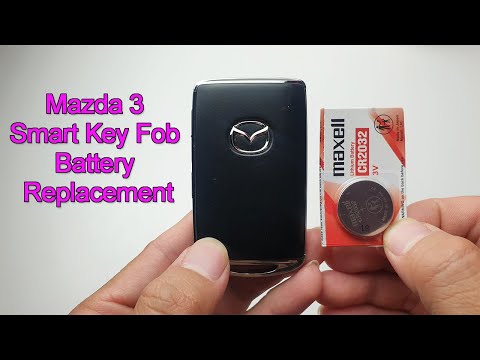
Mazda 3
(2013-2019 /
MK 3, BN, BM)
After several years of use, it may happen that the key for your 2019 Mazda 3 no longer works due to a completely dead battery. Fortunately, replacing…
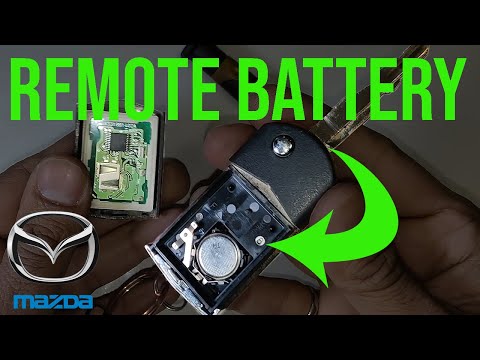
Mazda 3
(2009-2013 /
MK 2, BL)
If the smart key of your second generation Mazda 3 (2009-2010) has suddenly stopped working due to a dead battery, don't worry. Below, you will find …
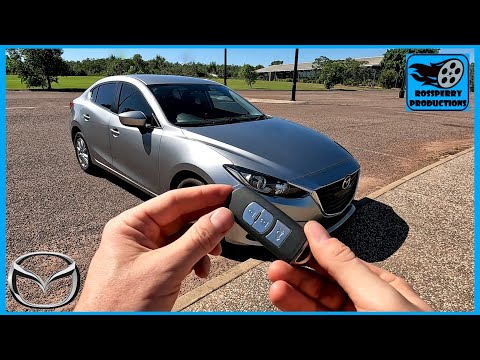
Mazda 3
(2013-2019 /
MK 3, BN, BM)
If the smart key of your Mazda 3 (2013-2019) is no longer working due to a completely dead battery, don't worry. With the following guide, you will b…
Other guides you may be interested in
|
Frequently Asked QuestionsHow to Bleed the Clutch on a Renault Clio?
To bleed the clutch on a Renault Clio, open the bonnet to access the components located in the engine bay: here, you will need to undo the screws that secure the battery in its housing, the intake manifold, and the coolant reservoir. This will allow you to locate the pipe through which the brake fluid flows: by inserting the other end of the pipe into a container, you can press the clutch pedal to expel all the fluid until it fills the container. by ScegliAuto More videos
|
|
For advertising on this site Write to info@scegliauto.com
ScegliAuto is not responsible for any inaccuracy of the data in the lists. To report any inaccuracy or your business (if you own the business in question), please write to info@scegliauto.com
Number of seconds to generate the page: 0.251
(c) ScegliAuto 2026 - info@scegliauto.com - Privacy policy VAT number: IT01247470535 |
