
|
Do it yourself
| |||
| ||||


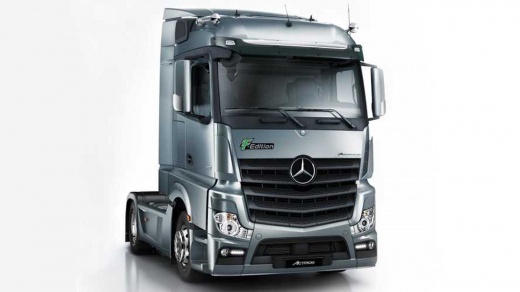
How to reset the service light on a Mercedes Actros
Model: Mercedes Actros
MK 4
- Years:
2011, 2012, 2013, 2014, 2015, 2016, 2017, 2018, 2019, 2020, 2021, 2022
Video tutorial
The reset of the service light on the Mercedes Actros is performed after service operations, which include replacing the air and oil filters, topping up fluids, checking the engine, and the timing belt. To reset the light, you need to: - turn on the ignition; - press the down arrow button to access the settings menu; - select the option related to KM; - set the next kilometres for the service; After confirming, return to the main menu. Complete the reset by switching off and restarting the vehicle.
Updated on 19 October 2026 by ScegliAuto
Related tutorials
Mercedes Actros
(2003-2012 /
MP3, MP2)
It will be possible to reset the Service indicator that appears on the instrument panel of the Mercedes Actros by inserting the ignition key into the…

Mercedes Actros
(1996-2003 /
MP1)
.. Today we will explain how to reset the service light on a Mercedes Actros MP1 model vehicle. To reset the light, turn on the.. …

Mercedes Actros
(2003-2012 /
MP3, MP2)
The automatic gearbox of a vehicle, being composed of multiple electronic parts, may occasionally lock up temporarily; there is no damage to circuits…
Other guides you may be interested in
|
How to Open the Bonnet on the Mitsubishi L200?
In this tutorial, you will see how to open the bonnet on the Mitsubishi L200, a very simple operation that follows the standard procedure. First, open the vehicle and go to the driver's side, then locate the lever at the lower outer area, just in front of the pedals, and pull it. Next, position yourself in front of the bonnet, locate the second lever above the Mitsubishi logo, and push it to the right, releasing the latch. At this point, you can fully lift the bonnet and secure it with the prop rod. by ScegliAuto More videos
|
|
For advertising on this site Write to info@scegliauto.com
ScegliAuto is not responsible for any inaccuracy of the data in the lists. To report any inaccuracy or your business (if you own the business in question), please write to info@scegliauto.com
Number of seconds to generate the page: 0.200
(c) ScegliAuto 2026 - info@scegliauto.com - Privacy policy VAT number: IT01247470535 |
