
|
Do it yourself
| |||
| ||||


How to reset the service light on the Mercedes C-Class
Model: Mercedes Classe C
W205
- Years 2014-2021
The steps to restore the service light of the 2019 Mercedes C-Class model 220 are simple and quick to perform independently. The first step is to turn on the vehicle's instrument panel and immediately press the menu button on the steering wheel. The second step is to scroll through the vehicle settings and select the assyst plus option. The third step is to select the full service option from the service menu. The fourth step is to select the reset option and wait for the service mileage to load. The fifth and final step is to restart the vehicle to complete the restoration.
Posted on 4 October 2024 by ScegliAuto
Video tutorial
Related tutorials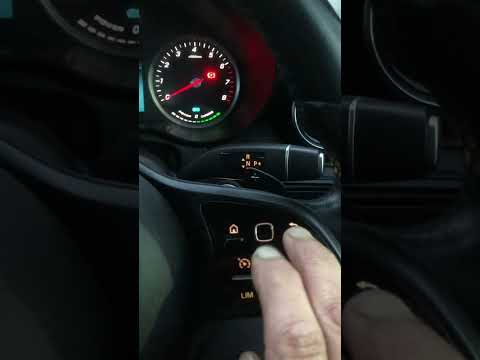
Mercedes Classe C
(2014-2021 /
W205)
..o reset the "Service" light on our Mercedes C-Class. Start by sitting in the driver’s seat, then turn on the ignition by pressing the start button. Nex.. …
Mercedes Classe C
(2021-2026 /
W206)
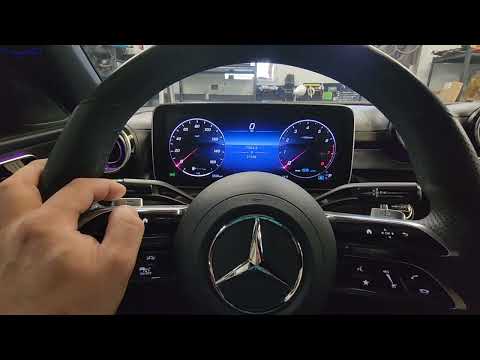
.. oil change maintenance on the Mercedes-Benz C-Class, as well as the S-Class. First, get in the vehicle and turn on the instrument cluster; then use.. …
Mercedes Classe C
(2007-2013 /
W204)
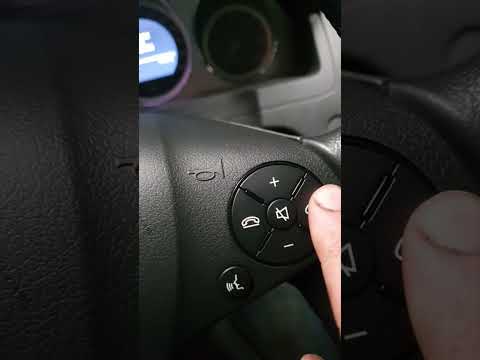
.. the "Service" light on your Mercedes-Benz C-Class. Start by turning on the vehicle and checking that the "Service" indicator is visible on the display... …
Other guides you may be interested in
|
How to Change the System Language of the Opel Corsa F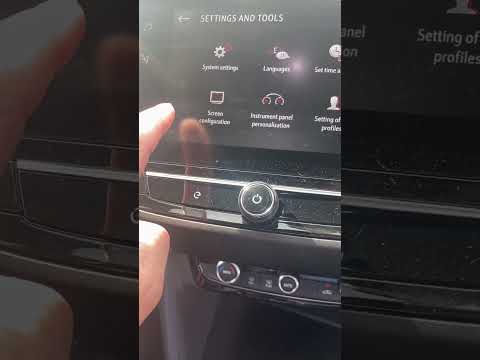
If you own an Opel Corsa F (2019-2023) and want to learn how to change the system language, read this guide carefully and follow the instructions. First, enter the cabin and start both the instrument cluster and the central display. Then, click on the settings icon and select "Options". Next, choose "Languages" and scroll through the list until you find your preferred language. Select it and finally exit the menu to save the changes. by ScegliAuto More videos
|
|
For advertising on this site Write to info@scegliauto.com
ScegliAuto is not responsible for any inaccuracy of the data in the lists. To report any inaccuracy or your business (if you own the business in question), please write to info@scegliauto.com
Number of seconds to generate the page: 0.079
(c) ScegliAuto 2026 - info@scegliauto.com - Privacy policy VAT number: IT01247470535 |
