
|
Do it yourself
| |||
| ||||


Removing the Car Radio and Installing the GPS
Model: Mercedes Classe C
W203
- Years 2000-2007
Remove the center console by gently lifting it upwards and disconnecting the cigarette lighter connector. Remove the air vents above the car radio by carefully pulling them out using a plastic tool to avoid damaging the bodywork. Remove the trim and vents by pulling and disengaging them from the clips. Unscrew the dashboard screws and then the screws from the radio console. Carefully remove the car radio by lifting it to allow access to the connectors on the back. Locate the auxiliary service connector on the back of the radio and plug in the accessory connector provided in the GPS kit. Install the new console with the GPS and connect the GPS to the accessory. Turn it on and check all functions offered by the new installation.
Updated on 3 February 2026 by ScegliAuto
Video tutorial
Related tutorials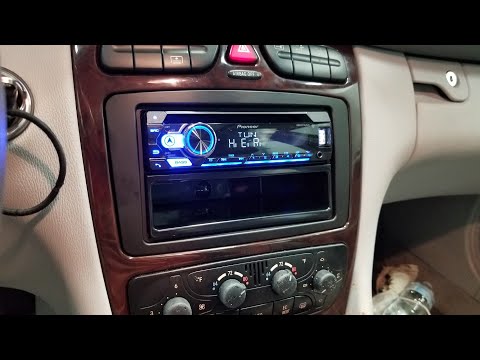
Mercedes Classe C
(2000-2007 /
W203)
How to remove the radio from a Mercedes C-Class? Let's see how to take off the trim pieces to extract the radio. Remove the shift knob trim using a p…
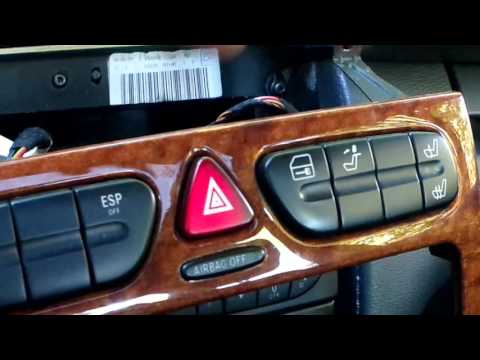
Mercedes Classe C
(2000-2007 /
W203)
To remove the car radio from the center console, first remove the central air vents: start by detaching the trim around the air vents and then pull t…
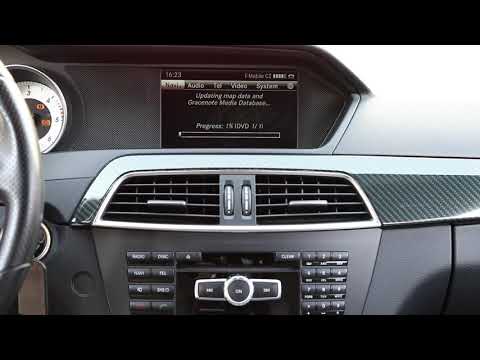
Mercedes Classe C
(2007-2013 /
W204)
In today's video, you will see how to update the original navigation system in the Mercedes-Benz C-Class. This tutorial also applies to other models …
Other guides you may be interested in
|
How to Replace the Cabin Filter on the Opel Grandland X
If you own an Opel Grandland X and want to know the steps to replace the cabin air filter, carefully read the following guide and follow the described steps. First, enter the vehicle and go to the passenger side. Then, locate the box containing the air filter in the lower side area of the dashboard. Remove the cover of the box and finally replace the old filter with the new one. Refit the cover, and you are done. by ScegliAuto More videos
|
|
For advertising on this site Write to info@scegliauto.com
ScegliAuto is not responsible for any inaccuracy of the data in the lists. To report any inaccuracy or your business (if you own the business in question), please write to info@scegliauto.com
Number of seconds to generate the page: 0.333
(c) ScegliAuto 2026 - info@scegliauto.com - Privacy policy VAT number: IT01247470535 |
