
|
Do it yourself
| |||
| ||||


Reset the AdBlue top-up reminder on the Mercedes C-Class.
Model: Mercedes Classe C
W205
- Years 2014-2021
In a few simple steps, we will see the process of resetting the AdBlue liquid top-up warning on the Mercedes C-Class. First, we get into the car and start the instrument panel; then we connect the appropriate tool to the diagnostic socket in order to reset the errors stored in the control unit, as shown in the video. After topping up with the appropriate tank or at the AdBlue liquid distributor, it will be possible to reset the warning by selecting the vehicle's engine type (thus recognizing it); follow the guided procedure to reset it!
Posted on 18 November 2024 by ScegliAuto
Video tutorial
Related tutorials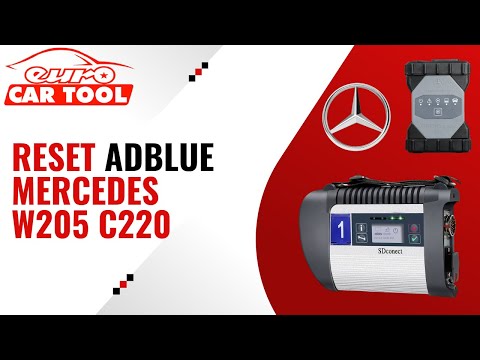
Mercedes Classe C
(2014-2021 /
W205)
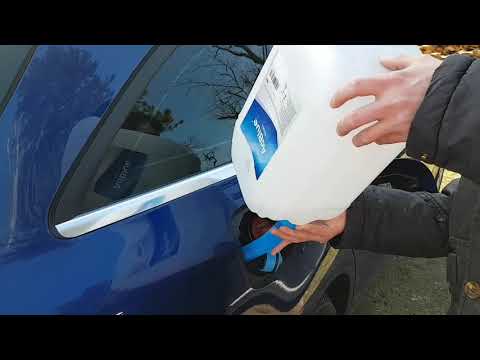
.. see how to reset the warning on the Mercedes C-Class. First of all, it will be necessary to top up with the AdBlue can or at the gas station until it.. …
Mercedes Classe C
(2014-2021 /
W205)
The AdBlue warning light that appears on the instrument cluster of the Mercedes C-Class indicates that the additional fluid in the tank is nearly dep…

Mercedes Classe C
(2014-2021 /
W205)
The AdBlue additive became mandatory a few years ago and is used in diesel engines to reduce exhaust emissions. It has its own tank and the range it …
Other guides you may be interested in
|
How to reset the tyre pressure warning light on a Hyundai Tucson
Below are the instructions to reset the tyre pressure warning light (TPMS) on a Hyundai Tucson. First, get into the vehicle and turn on the instrument cluster; then navigate to the vehicle settings until you reach the tyre pressure monitor, identifying the tyre with incorrect pressure. At this point, restore all tyre pressures according to the specifications indicated on the label; this will reset the TPMS and the warning light will be cleared from the instrument cluster! by ScegliAuto More videos
|
|
For advertising on this site Write to info@scegliauto.com
ScegliAuto is not responsible for any inaccuracy of the data in the lists. To report any inaccuracy or your business (if you own the business in question), please write to info@scegliauto.com
Number of seconds to generate the page: 0.198
(c) ScegliAuto 2026 - info@scegliauto.com - Privacy policy VAT number: IT01247470535 |
