
|
Do it yourself
| |||
| ||||


How to repair the fuel door of the Mercedes GLE
Model: Mercedes Gle
V167
- Years 2019-2026
In this video, we will see how to repair the fuel door of the Mercedes GLE; it is a rather delicate component, but fortunately it can be repaired quite easily. Just open the door, and on the left side of it, remove with a small screwdriver the motor that is in that position. Just lever carefully to avoid damaging the bodywork; in fact, there are several plastic sheaths here that need to be separated, and then the electrical connector must be disconnected. We can find the motor, for example, on E-Bay with the code 296439165973 at a price of 32.90 euros, with free delivery.
Posted on 11 May 2025 by ScegliAuto
Video tutorial
Related tutorials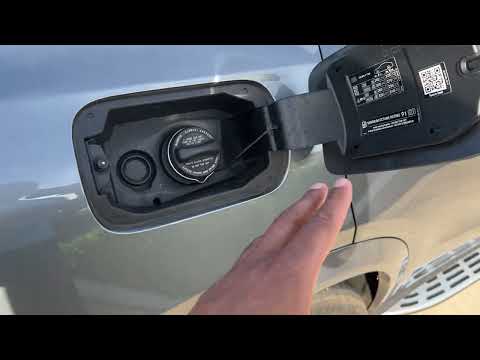
Mercedes Gle
(2019-2026 /
V167)
Today, let's go over the instructions to open the fuel door and cap of the Mercedes GLE. First, move to the outside and unlock the door locks, which …
Mercedes Gle
(2019-2026 /
V167)
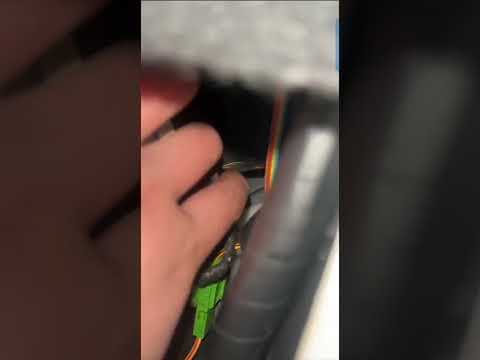
On the Mercedes GLE, the fuel door may get stuck due to a problem with the control button or the lock actuator. In these cases, you can still perform…
Mercedes Gle
(2019-2026 /
V167)
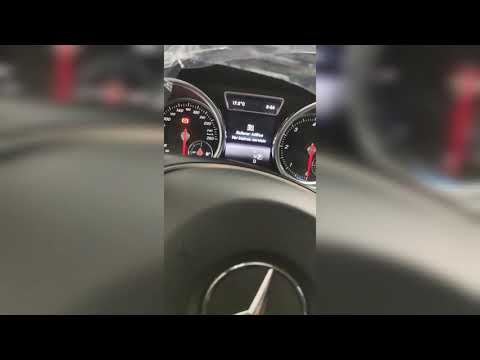
To reset the AdBlue light on the Mercedes GLE, first, refill the fluid inside the vehicle. Open the fuel filler flap and unscrew the blue cap. Pour i…
Other guides you may be interested in
|
How to change the time on a Toyota Yaris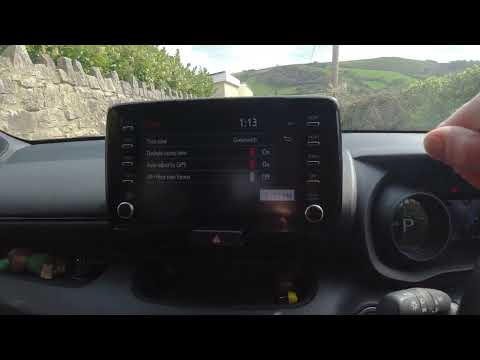
In this video we see how to change the time on a Toyota Yaris, specifically when it comes to switching from daylight saving time to standard time and vice versa. We go to the multifunction screen and press "settings": from there we go to press the clock, simply click on daylight saving time, and the clock will change the time for us, without doing anything else. All we want to do is just adjust the time format to 12 or 24 hours, as is customary in the area where we live: for example in Anglo-Saxon countries it is common to set the time to 12 hours, while in the European Union it is normally set to 24 hours. by ScegliAuto More videos
|

|
For advertising on this site Write to info@scegliauto.com
ScegliAuto is not responsible for any inaccuracy of the data in the lists. To report any inaccuracy or your business (if you own the business in question), please write to info@scegliauto.com
Number of seconds to generate the page: 0.192
(c) ScegliAuto 2026 - info@scegliauto.com - Privacy policy VAT number: IT01247470535 |
