
|
Do it yourself
| |||
| ||||


How to reset the TPMS light on the Mercedes GLA.
Model: Mercedes Gla
MK 2, H247
- Years 2020-2026
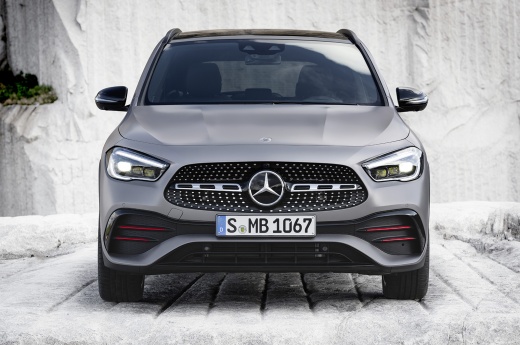
Let's see how to reset the tire pressure warning light on the Mercedes GLA: turn on the ignition, touch the "home" button on the multimedia screen, and go to the "maintenance" section. Then select "tires," and within this submenu, choose "store current pressures." Confirm by pressing "ok," and at this point, the system resets and starts a new learning cycle. To complete the procedure, it is necessary to drive the car for a few minutes, allowing the control unit to detect and store the new reference pressures. Once the driving is completed, the TPMS light will turn off, and the system will monitor the new reference pressures.
Posted on 3 December 2025 by ScegliAuto
Video tutorial
Related tutorials
Mercedes Gla
(2013-2019 /
MK 1, W156)
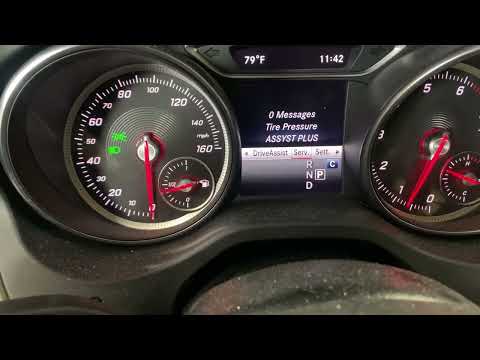
This video tutorial shows how to reset the TPMS light on a Mercedes GLA produced from 2013 to 2019 after replacing a punctured tyre. To reset the tyr…

Mercedes Gla
(2020-2026 /
MK 2, H247)
To clear the Service light on the Mercedes GLA, insert the ignition key into the ignition switch to turn on the dashboard: once it is on, navigate th…
Mercedes Gla
(2013-2019 /
MK 1, W156)
In this tutorial, you will learn how to reset the tyre pressure light on a Mercedes GLA. This operation is extremely simple and quick, to be performe…
Other guides you may be interested in
|
Where is the Spare Wheel in the Peugeot 5008?
This video shows where the spare wheel is located in the Peugeot 5008 and how to access it, useful in case of a puncture. As shown, the wheel is not in the usual boot compartment but underneath it, outside the vehicle. To free the wheel, first gather the tools provided, then open the boot, locate the small indicated hatch, and open it. Next, loosen the bolt just released using the large socket wrench enough to lower the wheel to the ground. by ScegliAuto More videos
|
|
For advertising on this site Write to info@scegliauto.com
ScegliAuto is not responsible for any inaccuracy of the data in the lists. To report any inaccuracy or your business (if you own the business in question), please write to info@scegliauto.com
Number of seconds to generate the page: 0.387
(c) ScegliAuto 2026 - info@scegliauto.com - Privacy policy VAT number: IT01247470535 |
