
|
Do it yourself
| |||
| ||||


Resetting the Service Light on a Mercedes E-Class W212
Model: Mercedes Classe E
W212
- Years 2009-2016
In this video, learn how to reset the service light on a Mercedes E-Class W212: turn on the ignition and simultaneously press three buttons on the steering wheel for "call," "end call," and "ok." This will bring up a hidden menu on the instrument cluster. Use the arrows to select "assyst plus" and then "full service." From here, go to "confirm full service" and press "ok." The system will reset the counter and display the new deadline in days and miles. Turn off and then turn on the ignition to verify. Alternatively, for the W212, you can also enter diagnostic mode by pressing the "ignition" button three times, then use the steering wheel buttons to navigate to "service."
Posted on 31 March 2026 by ScegliAuto
Video tutorial
Related tutorials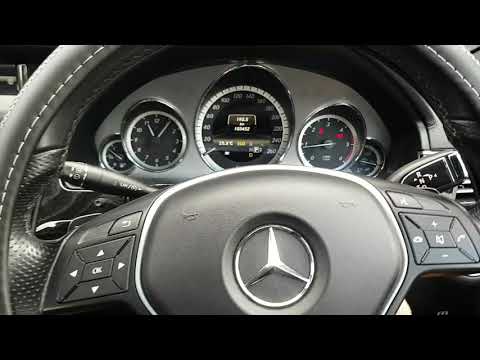
Mercedes Classe E
(2009-2016 /
W212)
Today's steps will guide you through the process of resetting the maintenance service light for the engine oil change on a Mercedes E-Class. First, g…
Mercedes Classe E
(2009-2016 /
W212)
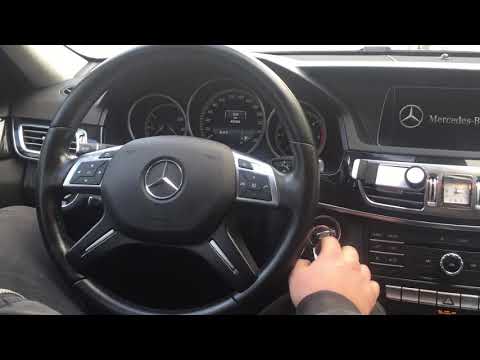
.. regular oil change maintenance on the Mercedes E-Class W212 in simple steps. First, get in the vehicle and turn on the ignition; then press the "ok" button.. …

Mercedes Classe E
(2009-2016 /
W212)
In this guide, we will cover how to reset the service light for the routine maintenance oil change on the Mercedes E-Class in simple steps. First, ge…
Other guides you may be interested in
|
Fuses Location and Diagram for the Volkswagen Crafter
In this guide, we will look at the location of the fuse boxes and how to find their diagram for the Volkswagen Crafter. First, get inside the vehicle and start by removing the plastic cover found under the steering wheel, to access the internal fuse box; you will find another fuse box in the engine compartment by removing the plastic cover located next to the battery. At this point, use the owner's manual to find the fuse diagram, which will allow you to identify and replace any blown fuses with new ones! by ScegliAuto More videos
|

|
For advertising on this site Write to info@scegliauto.com
ScegliAuto is not responsible for any inaccuracy of the data in the lists. To report any inaccuracy or your business (if you own the business in question), please write to info@scegliauto.com
Number of seconds to generate the page: 0.081
(c) ScegliAuto 2026 - info@scegliauto.com - Privacy policy VAT number: IT01247470535 |
