
|
Do it yourself
| |||
| ||||



How to Replace the Rear Headlamp Bulbs on a Mercedes-Benz B-Class
Model: Mercedes Classe B
W245, MK 1
- Years:
2005, 2006, 2007, 2008, 2009, 2010, 2011
Video tutorial
Today, we will discover the main steps to remove and replace the rear headlamp bulbs on a Mercedes-Benz B-Class. First, open the boot lid and begin removing the plastic cover located on the side of the boot area; then disconnect the wiring for the lights and remove the bulb holder to access the stop lights, as shown in the video. At this point, replace and install the faulty bulbs with new ones of the same fitting, checking that the lights function correctly!
Posted on 3 October 2026 by ScegliAuto
Related tutorials
Mercedes Classe B
(2005-2011 /
W245, MK 1)
.. the rear light and its bulbs on the Mercedes-Benz B-Class. First, open the boot lid and start by removing the cover found on the side, accessing the.. …

Mercedes Classe B
(2005-2011 /
W245, MK 1)
.. replace the front headlamp bulbs on a Mercedes B-Class. Open the front bonnet by pulling the lever located at the bottom right of the dashboard, and secure.. …

Mercedes Classe B
(2005-2011 /
W245, MK 1)
.. Are the rear lights of your Mercedes B-Class not working anymore? Watch this video to learn how to replace the rear headlight bulbs: open the.. …
ScegliAuto offers an extensive international collection of automotive tutorials available in 12 languages. Each guide combines instructional videos with original explanations written by experienced human editors, along with information about the car models covered.
Other guides you may be interested in |
How to Program the Smart Key?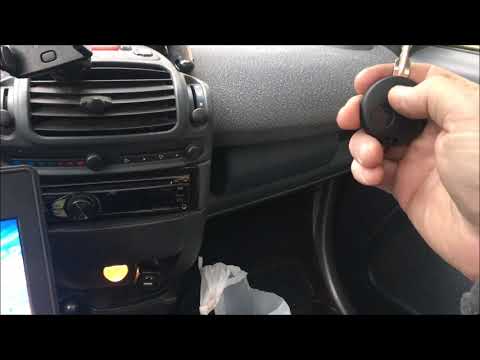
To program the Smart key, you must use a diagnostic tool: insert the key into the ignition switch located on the central tunnel, then connect the scanner to the vehicle's OBD port. Here, select the relevant car model and its corresponding version, following all instructions in the user and maintenance manual. Once the operation is complete, disconnect the scanner from the port and check that the key functions correctly. by ScegliAuto More videos
|
|
For advertising on this site Write to info@scegliauto.com
ScegliAuto is not responsible for any inaccuracy of the data in the lists. To report any inaccuracy or your business (if you own the business in question), please write to info@scegliauto.com
Number of seconds to generate the page: 0.011
(c) ScegliAuto 2026 - info@scegliauto.com - Privacy policy - About us VAT number: IT01247470535 |
