
|
Do it yourself
| |||
| ||||


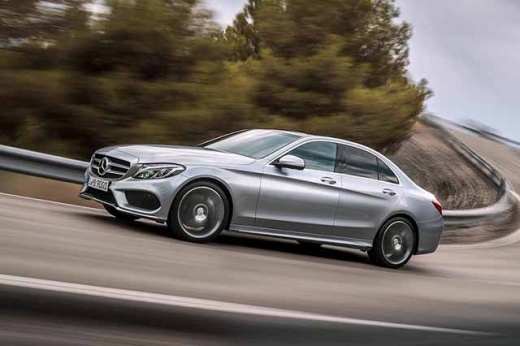
How to Reset the Service Light on the Mercedes C-Class
Model: Mercedes Classe C
- Years:
2014, 2015, 2016, 2017, 2018, 2019, 2020, 2021
Video tutorial
To reset the service light on the Mercedes-Benz C-Class, get in and turn on the ignition without starting the engine. Use the controls on the steering wheel to access the instrument cluster menu. Go to the "Assistance" or "Service" screen. Press and hold the phone (answer) and "OK" buttons simultaneously for a few seconds to enter the hidden assistance menu. From here, select "Assyst Plus" and then "Maintenance." Choose "Reset maintenance interval" and confirm the operation. Wait for confirmation on the display. When finished, turn off the ignition and turn it back on to verify that the service light has been reset correctly.
Posted on 30 October 2026 by ScegliAuto
Related tutorials
Mercedes Classe C
(2000-2007 /
W203)
.. on the instrument cluster of your Mercedes C-Class W203 is really simple, and with the following procedure, you can complete the operation without.. …

Mercedes Classe C
(2014-2021 /
W205)
.. To reset the service light on a Mercedes-Benz C-Class, get inside the vehicle and turn on the ignition without starting the engine. Use the controls.. …

Mercedes Classe C
(2014-2021 /
W205)
.. reset the service light on your Mercedes-Benz C-Class W205 is practically identical to that used in all recent Mercedes models. Below are the steps you.. …
Other guides you may be interested in
|
How to Open the Fuel Flap on the Hyundai i30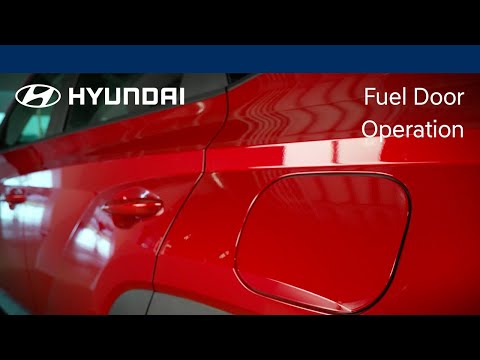
To refuel this car model, follow the simple steps outlined below. First, locate the fuel flap on the left side of the vehicle, just behind the rear wheel. When the vehicle is locked, the flap cannot be opened; once the central locking is released with the remote key, press the flap and it will release. You can then open it, unscrew the fuel cap, and refuel. After completing the operation, close the flap by pressing it back into place. by ScegliAuto More videos
|
|
For advertising on this site Write to info@scegliauto.com
ScegliAuto is not responsible for any inaccuracy of the data in the lists. To report any inaccuracy or your business (if you own the business in question), please write to info@scegliauto.com
Number of seconds to generate the page: 0.047
(c) ScegliAuto 2026 - info@scegliauto.com - Privacy policy VAT number: IT01247470535 |
