
|
Do it yourself
| |||
| ||||


How to Reset the AdBlue Warning Light on the Mercedes C-Class
Model: Mercedes Classe C
W204
- Years 2007-2013
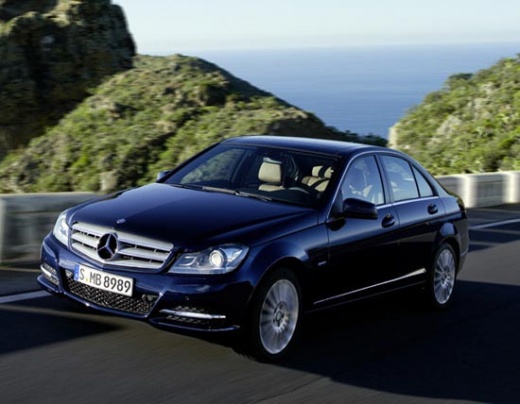
If you encounter a problem with the AdBlue supply system, follow these steps to clear the error and turn off the warning displayed on the dashboard using a diagnostic app on your smartphone. First, connect your smartphone to the vehicle, select the make and model of your car, and wait for the connection to the control unit and data reading. Next, select the type of system where the problem has been highlighted and wait for the data reading. Then, select the type of error you want to reset, confirm the deletion request, and at this point, the warning on the instrument cluster will be cleared.
Updated on 3 July 2026 by ScegliAuto
Video tutorial
Related tutorials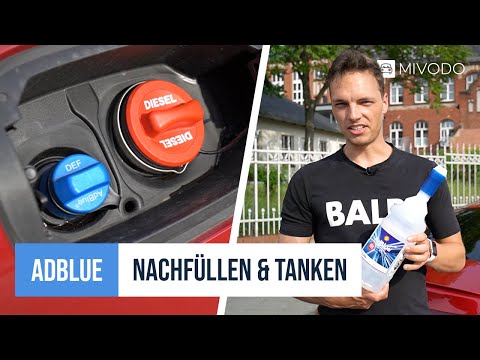
Mercedes Classe C
(2021-2026 /
W206)
.. To reset the AdBlue light on a Mercedes C-Class, you often just need to refill the additive fluid: the light turns on when the level of this fluid.. …

Mercedes Classe C
(2014-2021 /
W205)
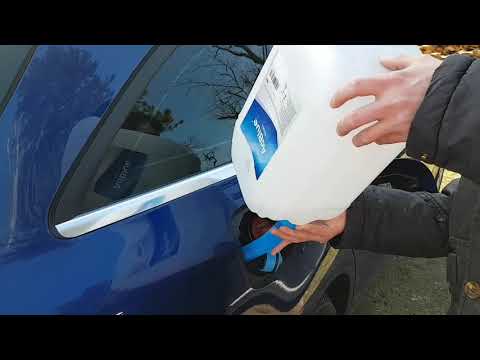
.. reset the AdBlue warning light on the Mercedes C-Class after refilling with AdBlue fluid. First, get in the vehicle and turn on the ignition; then connect.. …
Mercedes Classe C
(2014-2021 /
W205)
.. on the instrument cluster of the Mercedes C-Class indicates that the additional fluid in the tank is nearly depleted: you can turn off the light.. …
Other guides you may be interested in
|
How to Adjust the Handbrake on a BMW 1 Series?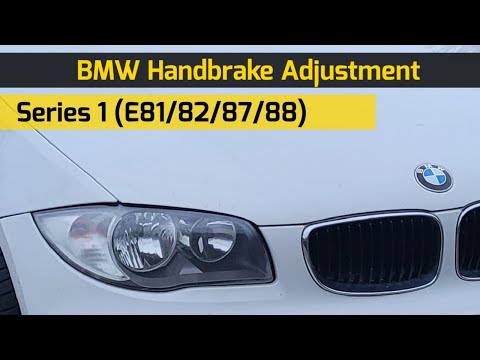
To adjust the handbrake on a BMW 1 Series, use a tool to pry off the leather cover that wraps around the base of the handbrake lever. Once this cover is removed, you will be able to locate the spring that regulates the handbrake tension. At this point, adjust the nut located at the base of the spring: tightening the nut will make the handbrake firmer and reduce the lever's travel. Conversely, loosening the nut will decrease the handbrake's firmness and increase the lever's travel. by ScegliAuto More videos
|
|
For advertising on this site Write to info@scegliauto.com
ScegliAuto is not responsible for any inaccuracy of the data in the lists. To report any inaccuracy or your business (if you own the business in question), please write to info@scegliauto.com
Number of seconds to generate the page: 0.788
(c) ScegliAuto 2026 - info@scegliauto.com - Privacy policy VAT number: IT01247470535 |
