
|
Do it yourself
| |||
| ||||


How to Set the Clock on a Mercedes C-Class?
Model: Mercedes Classe C
W203
- Years:
2000, 2001, 2002, 2003, 2004, 2005, 2006, 2007
Video tutorial
To adjust the clock on a Mercedes C-Class, turn on the ignition by inserting the key into the ignition switch. Once the ignition is on, navigate through the menu using the arrows on the left side of the steering wheel. Select "Serv.", then "System", and finally "Time" to access a screen where you can modify both the hours and minutes. After adjusting, return to the main screen and confirm.
Updated on 26 August 2026 by ScegliAuto
Related tutorials
Mercedes Classe C
(2014-2021 /
W205)
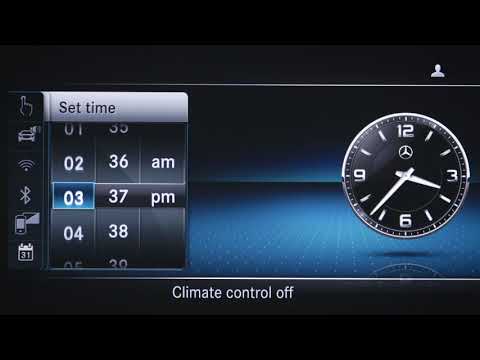
.. clock on the multimedia system of the Mercedes C-Class. First of all, we get into the car and start the instrument panel; then we use the central tunnel.. …
Mercedes Classe C
(2014-2021 /
W205)
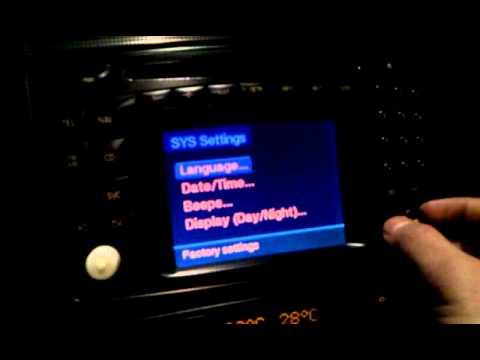
.. To adjust the clock on the Mercedes C-Class, turn on the ignition and navigate to the menu that appears on the screen in the center of the.. …
Mercedes Classe C
(2000-2007 /
W203)
.. You can adjust the clock in the Mercedes C-Class by turning on the instrument cluster, inserting the key into the ignition switch: once it is on,.. …
ScegliAuto offers an extensive international collection of automotive tutorials available in 12 languages. Each guide combines instructional videos with original explanations written by experienced human editors, along with information about the car models covered.
Other guides you may be interested in
|
How to Reset the Tyre Pressure Warning Light in the Suzuki Swift?
To reset the tyre pressure warning light in the Suzuki Swift, turn on the ignition, then navigate through the menu using the button located on the right side: this button should be rotated to locate the options displayed. You will need to select the option indicating tyre pressure and then select the "Reset" option: this way, the sensors will read the new tyre pressure values. If the tyres have been inflated to the correct pressure, the light will turn off automatically. by ScegliAuto More videos
|
|
For advertising on this site Write to info@scegliauto.com
ScegliAuto is not responsible for any inaccuracy of the data in the lists. To report any inaccuracy or your business (if you own the business in question), please write to info@scegliauto.com
Number of seconds to generate the page: 0.121
(c) ScegliAuto 2026 - info@scegliauto.com - Privacy policy - About us VAT number: IT01247470535 |
