
|
Do it yourself
| |||
| ||||


How to reset the service in the MG GS?
Model: MG MG Various
In this tutorial we can see how to reset the service in the MG GS, a very simple and fast operation, to be carried out only after having carried out all the required maintenance work. First of all we turn on the instrument panel, then we enter the general menu by pressing the button located at the end of the left lever. At this point, by turning the ring in the same lever, we go down, enter the "Next service" section and proceed with the reset by selecting the "Reset" item. Once completed, we return to the main screen and verify that the procedure was successful.
Posted on 8 April 2022 by ScegliAuto
Video tutorial
Related tutorials
MG MG Various
In this tutorial we can see how to reset the service in the MG 6, a very simple and fast operation, to be carried out only after having completed all…
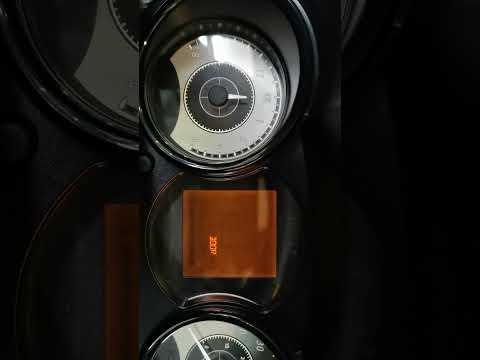
MG MG Various
Today we will find out how to reset the Microcar Mgo oil change routine maintenance service light by following the instructions below. First of all, …

MG MG Various
In this tutorial we can see how to reset the service in the MG 6, an extremely simple and quick operation, to be carried out only once the correct pr…
Other guides you may be interested in |
How to Remove the Front Headlamp of a Renault Clio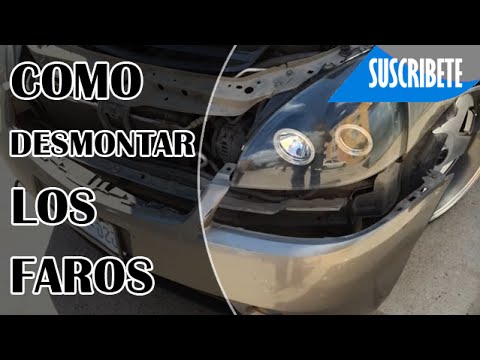
Remove the front headlamp of a Renault Clio. Open the bonnet by pulling the release lever and secure it; using a battery-powered screwdriver or a screwdriver, undo the securing bolts located at the top of the bumper. Once the screws at the top are undone, remove the splash guard bolts and finally remove the bolts at the bottom of the bumper. Carefully detach the bumper from the body of the vehicle. At this point, disconnect the headlamps from the body (undo the securing bolts) and the bulb holder from the headlamp. Fit the new headlamp with new bulbs if damaged (always ensure the correct type and size) and insert the headlamp into its housing. Finally, refit the front bumper and tighten the bolts. by ScegliAuto More videos
|
For advertising on this site Write to info@scegliauto.com
ScegliAuto is not responsible for any inaccuracy of the data in the lists. To report any inaccuracy or your business (if you own the business in question), please write to info@scegliauto.com
Number of seconds to generate the page: 0.046
(c) ScegliAuto 2026 - info@scegliauto.com - Privacy policy VAT number: IT01247470535 |
