
|
Do it yourself
| |||
| ||||


How to install the fenders in the Mg Zs?
Model: MG ZS
Zs11
- Years 2017-2024
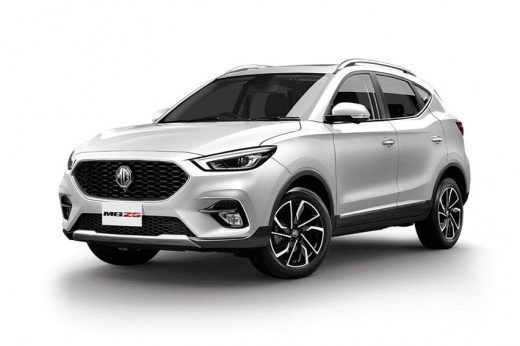
On the Mg Zs it is possible to install mudguards on all four wheels without using special tools and without having to make holes in the bodywork as is necessary for other car models. The mudguards, in fact, must be installed using the position of the wheel arch screws and all we need is a screwdriver or, even better, a screwdriver. Let's make sure we buy some mudguards compatible with our car and then we proceed to install them in the way we are shown in the video. It is advisable to carry out this operation with the bodywork clean to prevent dirt from remaining between it and the mudguard.
Posted on 3 July 2022 by ScegliAuto
Video tutorial
Related tutorials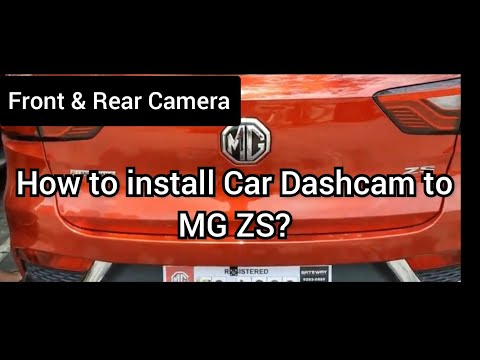
MG ZS
(2017-2024 /
Zs11)
Let's see in this guide the main instructions that will allow us how to install the rear camera for parking maneuvers on the MG ZS. First of all, let…
MG ZS
(2017-2024 /
Zs11)
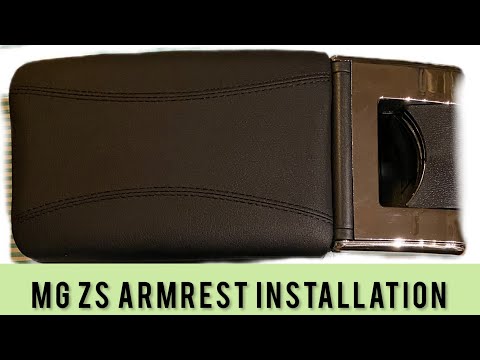
It is possible to install a new armrest on the Mg Zs without resorting to a professional. The tool we need is only one: a Phillips screwdriver or an …

MG ZS
(2017-2024 /
Zs11)
In order to install the rear camera of the MG ZS, you need to use an object to pry off the inner cover of the rear hatch: underneath it, you will be …
Other guides you may be interested in
|
How to Remove the Centre Console on a Renault Scenic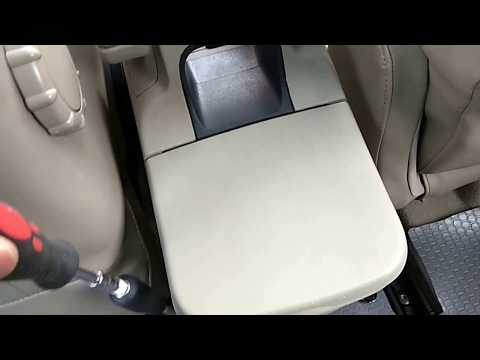
Watch this video to learn how to remove the glove compartment from the rear cover of the centre console on a Renault Scenic. Use a plastic lever to pry at the edge of the side plastics as shown in the video. Once the plastics are removed, unscrew the screws located at the sides of the centre console with a suitable screwdriver, and disconnect all the power connectors. Remove the side rests from the glove compartment. Fit the new piece onto the centre cover and proceed with the assembly of the remaining parts, working in reverse order. by ScegliAuto More videos
|
|
For advertising on this site Write to info@scegliauto.com
ScegliAuto is not responsible for any inaccuracy of the data in the lists. To report any inaccuracy or your business (if you own the business in question), please write to info@scegliauto.com
Number of seconds to generate the page: 0.058
(c) ScegliAuto 2026 - info@scegliauto.com - Privacy policy VAT number: IT01247470535 |
