
|
Do it yourself
| |||
| ||||


|
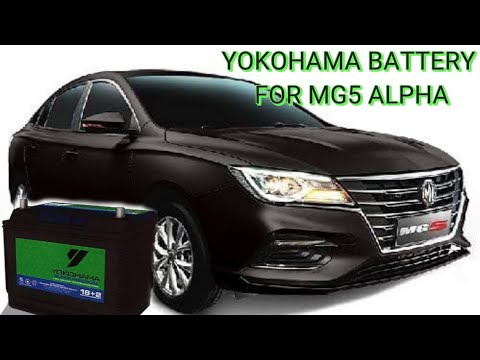
In order to replace the MG 5 battery, you need to open the hood, so that you can have access to the components located inside the engine compartment: the device will be located in the front part of the latter, near the left front headlight . It will be necessary to disconnect its power cables and unscrew the fixing bolts before being able to extract the battery: at this point it will be possible to insert the new one inside its housing, connecting it to the cables and fixing it with screws. After installation you will be able to verify that everything is working correctly.
Posted on 14 August 2022 by ScegliAuto
Video tutorial
Related tutorials
MG 5
(2012-2018 /
Ap12)
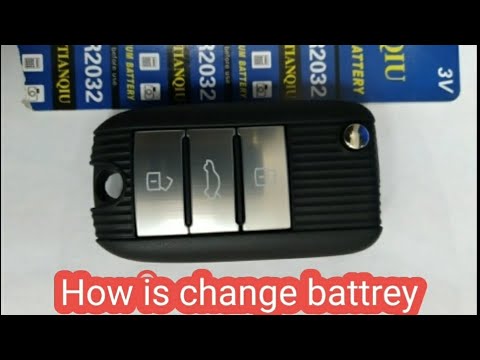
In this video we can see how to change the battery of an MG 5 remote control: It will be enough to pry in the lower part of the shell, with something…
MG 5
(2012-2018 /
Ap12)
Let's find out the steps on how to disassemble and replace the battery of the Mg 5, following the instructions below. First of all we open the bonnet…
MG 5
(2012-2018 /
Ap12)
In this new mini guide of ours we are going to describe a method as simple as it is effective which will allow you to replace the battery in the key …
Other guides you may be interested in
|
How to Disassemble and Remove the Rear Camera of a Mercedes CLA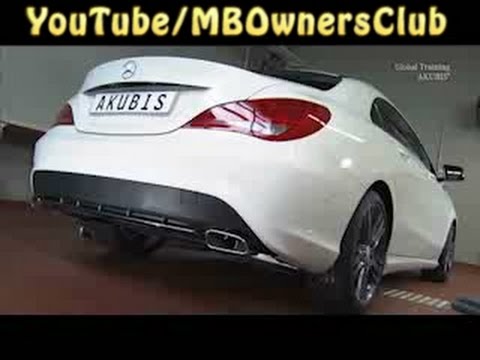
In this video, see how to disassemble and remove the camera (where the license plate light is located) from the rear hatch of a Mercedes CLA. First, open the rear hatch of the car, then remove the rear license plate. Use a screwdriver to remove the screws on the plastic trim of the hatch. Disconnect the plastic trim of the license plate light from the hatch, and use a screwdriver to remove the retaining clips (located between the hatch metal and the plastic trim). Finally, remove the rear camera located in the hatch (disconnect the power connector of the camera) of the car. For reassembly, proceed in reverse order. by ScegliAuto More videos
|
|
For advertising on this site Write to info@scegliauto.com
ScegliAuto is not responsible for any inaccuracy of the data in the lists. To report any inaccuracy or your business (if you own the business in question), please write to info@scegliauto.com
Number of seconds to generate the page: 0.096
(c) ScegliAuto 2026 - info@scegliauto.com - Privacy policy VAT number: IT01247470535 |
