
|
Do it yourself
| |||
| ||||


Guide to using the features of the MG Gloster
Model: MG Gloster
MK 1
- Years 2017-2024
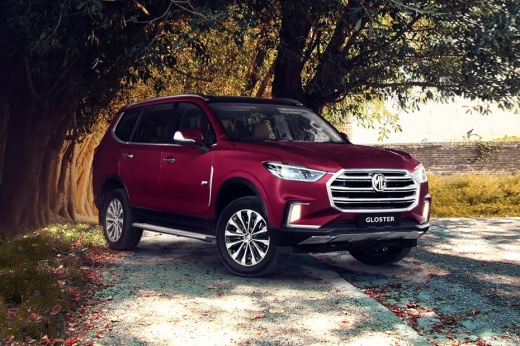
In this video tutorial we will see the guide that will allow us to discover the main features of the MG Gloster SUV. First of all, we open the front door of our car and get on board the car; starting from the seats, we see that they have a vast adjustment function, acting on the buttons that we find on the sides. By turning on the ignition of the car it will be possible to access the driving functions, controlled by the buttons on the steering wheel; the multimedia system, on the other hand, is equipped with a large central display, which allows you to connect your smartphone, access navigation and much more!
Posted on 6 March 2023 by ScegliAuto
Video tutorial
Related tutorials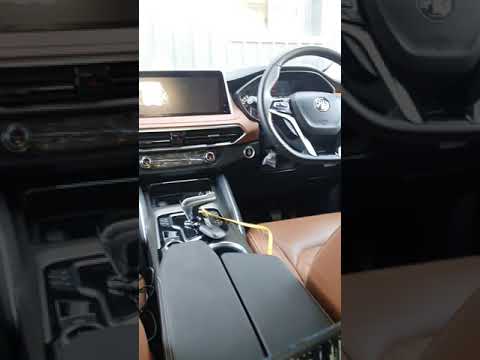
MG Gloster
(2017-2024 /
MK 1)
In the following video, we will see how it is possible to connect Android Auto to the smartphone in the MG Gloster. This application is very useful a…
MG Gloster
(2017-2024 /
MK 1)
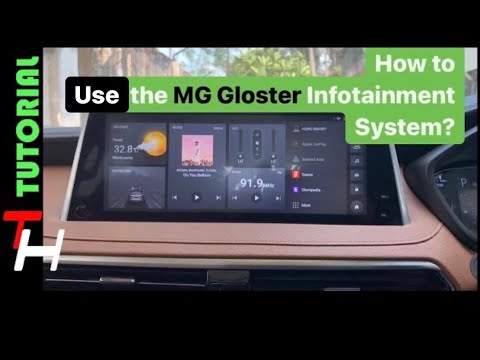
In order to use the Infotainment system of the MG Gloster, you have to insert the ignition key in the lock, turning it to turn on the instrument pane…
MG Gloster
(2017-2024 /
MK 1)
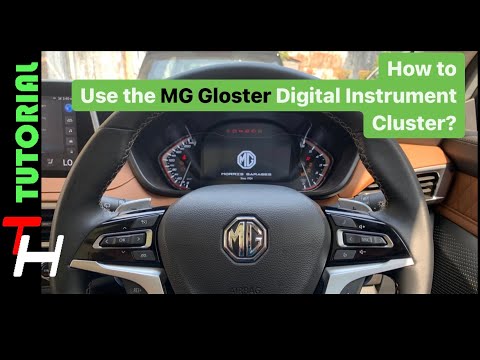
In order to use the MG Gloster's on-board computer, the ignition key must obviously be inserted into its lock, so that the instrument panel turns on.…
Other guides you may be interested in
|
How to Replace the Battery on an Opel Corsa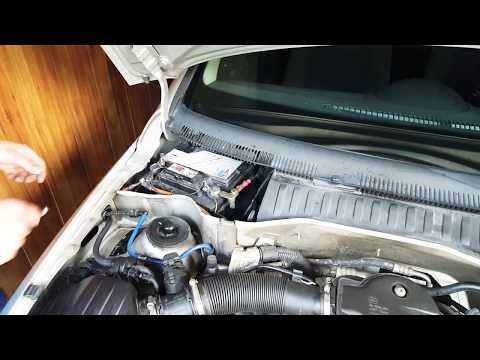
How do you maintain the battery on an Opel Corsa? This guide explains how to replace the battery: open the car's door and pull up the engine compartment release lever located at the bottom left of the dashboard, then lift the bonnet. Release the locking lever with your fingers, then secure it. Once the engine compartment is open, you will find the battery at the top left; remove the securing pins from the battery terminals, then take the battery out of the engine compartment and replace it with a new one (same voltage). Close the bonnet after maintenance. by ScegliAuto More videos
|
|
For advertising on this site Write to info@scegliauto.com
ScegliAuto is not responsible for any inaccuracy of the data in the lists. To report any inaccuracy or your business (if you own the business in question), please write to info@scegliauto.com
Number of seconds to generate the page: 0.075
(c) ScegliAuto 2026 - info@scegliauto.com - Privacy policy VAT number: IT01247470535 |
