
|
Do it yourself
| |||
| ||||


How do you reset the tire pressure warning light on the Mini?
Model: Mini Mini
R53, R50, R52
- Years 2001-2007
The tire pressure warning light that appears on the Mini's instrument panel can be reset by inflating all tires that are at an insufficient pressure value. These should be brought to the recommended pressure, which is written on the sticker inside the driver's side door pillar. Once the tires are inflated, you will need to turn on the instrument panel and navigate to the Vehicle Information from the display on the central dashboard. You will need to select the option to Confirm tire pressure and wait a few seconds, noting that the warning light will automatically turn off.
Posted on 8 March 2025 by ScegliAuto
Video tutorial
Related tutorials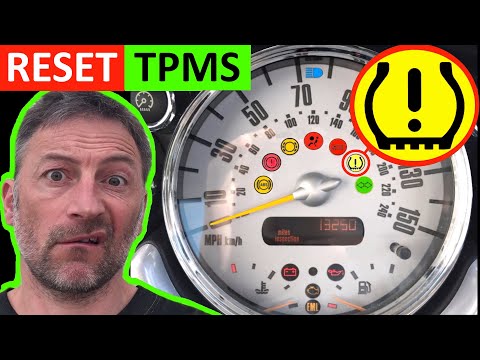
Mini
(2007-2014 /
R55, R57, R56)
In today's video we will see the instructions that will allow us to reset the tire pressure warning light of a Mini Cooper R50-R53; before carrying o…

Mini
(2010-2016 /
R60, Countryman1)
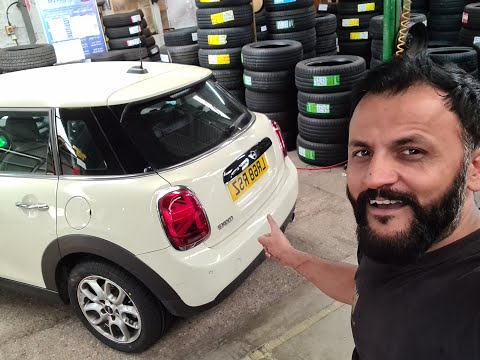
The activation of the TPMS light indicates a possible puncture or pressure loss from one or more tires; in this guide we will see how to reset the ti…
Mini
(2017-2023 /
F60, Countryman2)
Let's see in this short guide the steps that will allow us to reset the tire pressure warning light of the Mini Cooper S. Before performing the reset…
Other guides you may be interested in
|
How to Remove the Handbrake Button on a VW Passat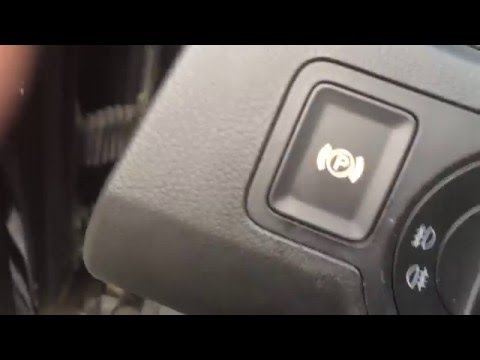
Have you encountered problems with the electric handbrake button on your Passat? Here’s how to proceed with the disassembly and reassembly of the part. Open the inspection compartment at the bottom left of the dashboard. Reach in and locate the handbrake button (from the inside of the dashboard). Press the button until it comes out of its housing, then disconnect the button from the power cable. Install the new handbrake button: first connect the plug to the button, then insert it into the dashboard housing. Finally, test the correct operation of the brake. by ScegliAuto More videos
|
|
For advertising on this site Write to info@scegliauto.com
ScegliAuto is not responsible for any inaccuracy of the data in the lists. To report any inaccuracy or your business (if you own the business in question), please write to info@scegliauto.com
Number of seconds to generate the page: 0.053
(c) ScegliAuto 2026 - info@scegliauto.com - Privacy policy VAT number: IT01247470535 |
