
|
Do it yourself
| |||
| ||||


How to reset the tire pressure light on the Mini Cooper
Model: Mini Mini
R60, Countryman1
- Years 2010-2016
Below we will see the information related to resetting the tire pressure warning light of the Mini Cooper; before resetting the TPMS warning, it is necessary for all four tires to be at the correct pressure. So, we get on board the car and start the instrument panel; then we use the controls on the left lever to access the settings of the onboard computer and then on the tire pressure option, as shown in the video. At this point, we confirm the reset of the TPMS warning light by pressing the central button, thus clearing the warning on the instrument panel!
Posted on 16 November 2025 by ScegliAuto
Video tutorial
Related tutorials
Mini
(2001-2007 /
R52, R50, R53)
To reset the tire pressure warning light of the Mini Cooper, you need to inflate the tires to the recommended pressure value: this value will be indi…

Mini
(2007-2014 /
R57, R55, R56)
Today's information will show us how to reset the tire pressure warning light on the Mini Cooper; before performing the TPMS sensor reset, it is nece…
Mini
(2017-2023 /
Countryman2, F60)
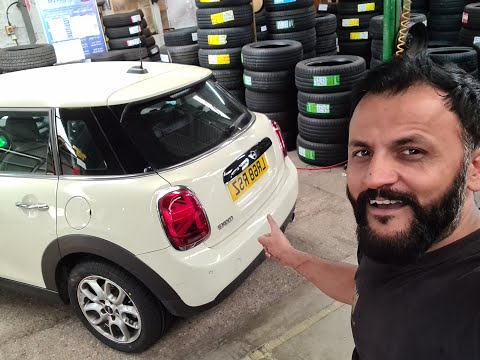
Let's see in this short guide the steps that will allow us to reset the tire pressure warning light of the Mini Cooper S. Before performing the reset…
Other guides you may be interested in
|
How to Remove the Brake Disc on Mitsubishi Pajero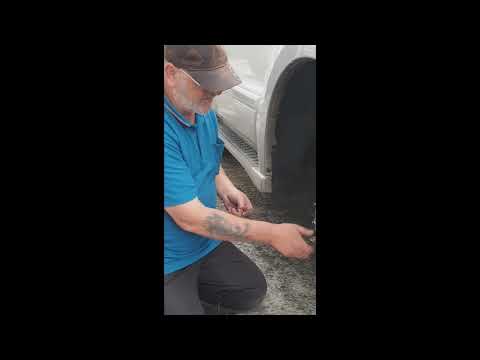
How to remove the brake disc along with the brake pads on a Mitsubishi Pajero? First, lift the vehicle on a column lift to a suitable height for working. Next, remove the wheel (using a telescopic spanner or air drill) with the respective bolts. Undo the locking bolt of the brake caliper, and remove it from the caliper support. Remove the caliper support from the wheel hub using a socket spanner. Once the brake disc is free, undo the screws with a fixed spanner and detach the disc from the wheel hub. Disconnect the various wiring and brake fluid pipes from the wheel assembly. Replace them with new parts (always use original and compliant parts). Prepare to install the new disc along with the respective pads, brake caliper, caliper support, etc. by ScegliAuto More videos
|

|
For advertising on this site Write to info@scegliauto.com
ScegliAuto is not responsible for any inaccuracy of the data in the lists. To report any inaccuracy or your business (if you own the business in question), please write to info@scegliauto.com
Number of seconds to generate the page: 0.060
(c) ScegliAuto 2026 - info@scegliauto.com - Privacy policy VAT number: IT01247470535 |
