
|
Do it yourself
| |||
| ||||


Resetting the Onboard Computer After Service
Model: Mini Mini
R55, R57, R56
- Years 2007-2014
Modern vehicles have computers that assist with maintenance by reminding the driver of service operations when the preset mileage is reached. Among various tasks, the computer also reminds you of the necessary tyre replacement at the mileage specified by the manufacturer. To reset the computer after a tyre replacement, turn on the ignition and use the appropriate button to select the 'setting' option from the menu. Once in the menu, navigate to the 'tyres' section. In this menu, select the 'reset' option to clear the tyre maintenance programme.
Updated on 5 February 2026 by ScegliAuto
Video tutorial
Related tutorials
Mini
(2010-2016 /
R60, Countryman1)
Below we will see the information related to resetting the tire pressure warning light of the Mini Cooper; before resetting the TPMS warning, it is n…
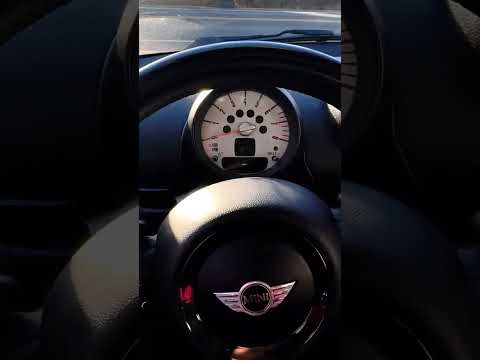
Mini
(2010-2016 /
R60, Countryman1)
In the following guide dedicated to all of you owners of a first series Mini Countryman (year 2014) we will find out how to reset the service warning…

Mini
(2017-2023 /
F60, Countryman2)
Following this brief procedure, we will see how to reset the tire pressure warning light on the Mini Countryman; before performing the reset, it is n…
Other guides you may be interested in
|
How to Replace the Alternator on an Opel Meriva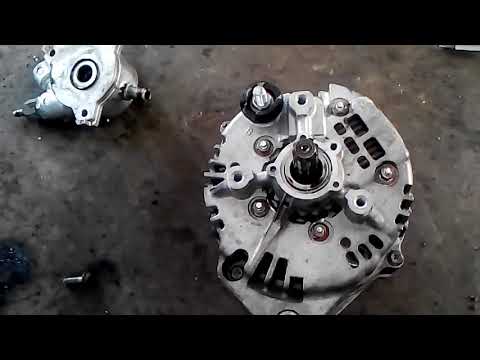
First, release the bonnet from the lever and lift it. Disconnect the battery to protect your electronic devices. Now locate the alternator position on your vehicle. Remove the belt by unscrewing the tensioner pulley to take it off. You can now remove the bolts securing the alternator. Working on the rear of the alternator, disconnect the cables and pipes attached at the back. This allows you to extract the alternator from your vehicle and carry out the necessary work. by ScegliAuto More videos
|

|
For advertising on this site Write to info@scegliauto.com
ScegliAuto is not responsible for any inaccuracy of the data in the lists. To report any inaccuracy or your business (if you own the business in question), please write to info@scegliauto.com
Number of seconds to generate the page: 0.054
(c) ScegliAuto 2026 - info@scegliauto.com - Privacy policy VAT number: IT01247470535 |
