
|
Do it yourself
| |||
| ||||


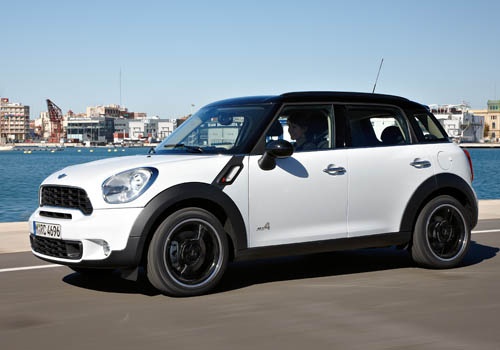
How to Reset the Service Light on a 2014 Mini Countryman
Model: Mini Mini
Countryman1, R60
- Years:
2010, 2011, 2012, 2013, 2014, 2015, 2016
Video tutorial
In this guide for all Mini Countryman first series owners (2014 model year), discover how to correctly reset the service light without the need for a professional. First, enter the vehicle and take your place in the driver's seat. Next, insert the key and press the ignition button twice in quick succession. Then, repeatedly press the button located at the end of the left lever on the steering wheel to navigate the onboard menu. Once you find the total kilometres driven, press and hold the button on the right side of the speedometer for five seconds. Finally, locate the oil light and complete the reset by pressing and holding the left lever button again.
Updated on 9 July 2026 by ScegliAuto
Related tutorials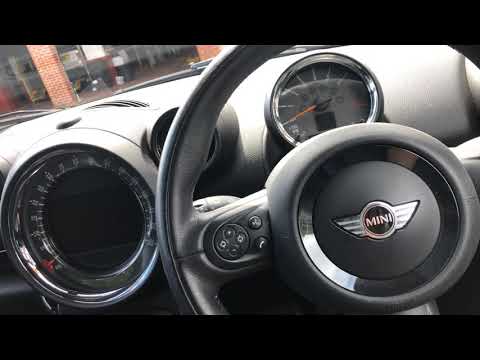
Mini
(2010-2016 /
Countryman1, R60)
Resetting the service light on a Mini Countryman is very simple. Follow these steps. First, insert the key and turn on the ignition, but do not start…
Mini
(2010-2016 /
Countryman1, R60)
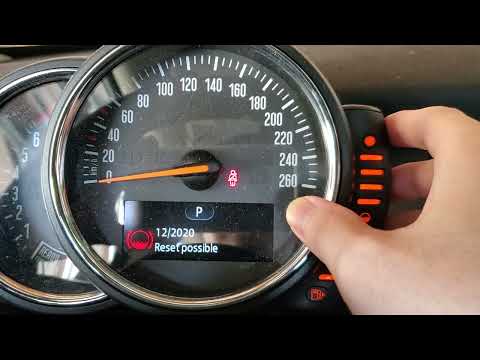
In this new guide dedicated to your 2016 Mini Cooper Countryman, we will describe the necessary steps to easily perform the manual reset of the servi…
Mini
(2010-2016 /
Countryman1, R60)
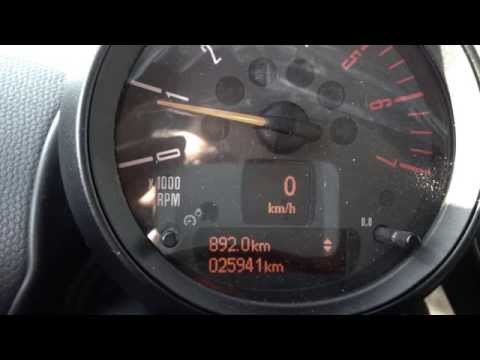
Before you start, sit in the driver's seat of your Mini Countryman. Turn on the ignition by turning the key in the ignition switch. Next, press the "…
Other guides you may be interested in
|
How to Open the Fuel Flap and Cap on an MG HS
This guide will show you how to open the fuel flap and cap on an MG HS in simple steps. To open the fuel flap, ensure the vehicle is unlocked; then press on the edge of the flap to open it, as shown in the video. Next, unscrew the fuel cap counterclockwise to refuel at the pump; once finished, screw the cap back on until it clicks, and finally close the fuel flap! by ScegliAuto More videos
|
|
For advertising on this site Write to info@scegliauto.com
ScegliAuto is not responsible for any inaccuracy of the data in the lists. To report any inaccuracy or your business (if you own the business in question), please write to info@scegliauto.com
Number of seconds to generate the page: 1.697
(c) ScegliAuto 2026 - info@scegliauto.com - Privacy policy VAT number: IT01247470535 |
