
|
Do it yourself
| |||
| ||||


Replacing the rear brake pads on the Mini Cooper One
Model: Mini Mini
F57, F56, F55, F54
- Years 2014-2023
In today's video tutorial we will see how to remove and replace the rear brake pads on the Mini Cooper One F55, in simple and quick steps. First we lift the car on the rear side and start by removing the wheel; then we disconnect the brake pad wear sensor, as shown in the video. At this point we unscrew the two fixing bolts of the brake caliper, in order to remove it; we extract and replace the old pads, first cleaning up the dirt. We just have to insert and reassemble the new pads, following the video to the end!
Posted on 19 October 2021 by ScegliAuto
Video tutorial
Related tutorials
Mini
(2007-2014 /
R56, R57, R55)
Let's see the process of disassembling and replacing the rear brake pads of the Mini Cooper, in simple steps. First, lift the car, even just on the r…
Mini
(2007-2014 /
R56, R57, R55)
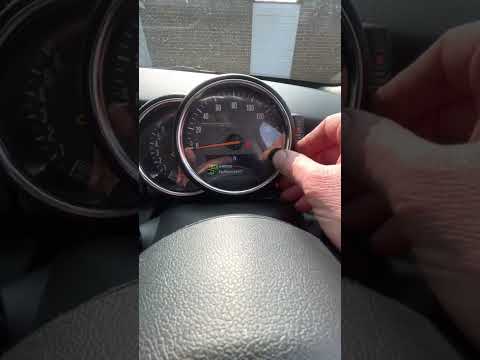
Today we will see the steps that will allow us to reset the brake pad warning light on the Mini Cooper. First of all, we get on board the car and tur…
Mini
(2014-2023 /
F57, F56, F55, F54)
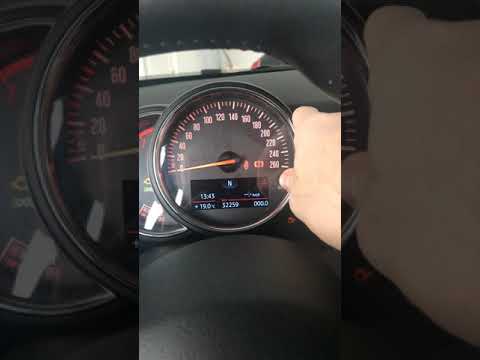
In this tutorial, we can see how to reset the brake pad warning light on a Mini Cooper F56 (2014-2023). To reset the brake pad warning light, first w…
Other guides you may be interested in
|
How to Disassemble and Remove the Rear Camera of a Mercedes CLA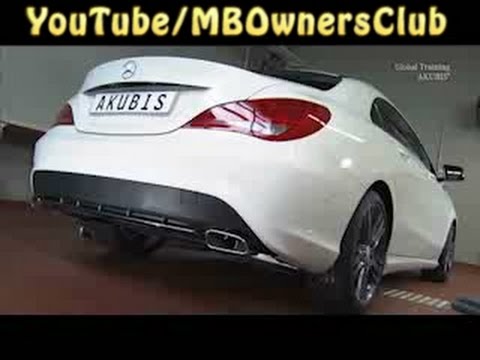
In this video, see how to disassemble and remove the camera (where the license plate light is located) from the rear hatch of a Mercedes CLA. First, open the rear hatch of the car, then remove the rear license plate. Use a screwdriver to remove the screws on the plastic trim of the hatch. Disconnect the plastic trim of the license plate light from the hatch, and use a screwdriver to remove the retaining clips (located between the hatch metal and the plastic trim). Finally, remove the rear camera located in the hatch (disconnect the power connector of the camera) of the car. For reassembly, proceed in reverse order. by ScegliAuto More videos
|

|
For advertising on this site Write to info@scegliauto.com
ScegliAuto is not responsible for any inaccuracy of the data in the lists. To report any inaccuracy or your business (if you own the business in question), please write to info@scegliauto.com
Number of seconds to generate the page: 0.064
(c) ScegliAuto 2026 - info@scegliauto.com - Privacy policy VAT number: IT01247470535 |
