
|
Do it yourself
| |||
| ||||


How to reset the service warning light in the Mini
Model: Mini Mini
R52, R50, R53
- Years 2001-2007
In today's video we see how to turn off the light that signals the expired maintenance in the Mini Cooper R50. This operation is useful when a service is carried out and the vehicle must be confirmed that the maintenance has been carried out correctly. Then get into the car and sit in the driver's seat. Now, at the same time, hold down the button on the instrument panel and turn the key to position 1. Release the button and move through the menu until you find option 21, by pressing on the button itself. Once there, hold down the button and after a few seconds the service will be reset.
Posted on 1 March 2022 by ScegliAuto
Video tutorial
Related tutorials
Mini
(2010-2016 /
Countryman1, R60)
Resetting the brake warning light on Mini Cooper is extremely simple, as well as resetting any other warning light that may appear on the panel (for …
Mini
(2014-2023 /
F57, F56, F55, F54)
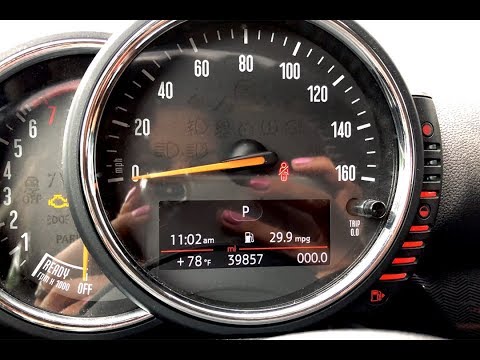
To be able to reset the service warning light on your Mini Cooper Clubman, you don't need any tools and it's very simple. First, insert the appropria…
Mini
(2007-2014 /
R56, R57, R55)
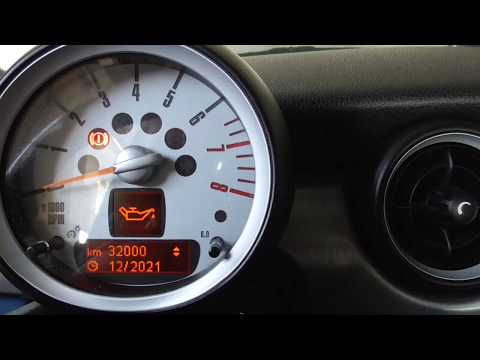
In order to reset the service warning light on your Mini Cooper R60 there is no need for any instrumentation. We start by turning the panel by puttin…
Other guides you may be interested in
|
How to Remove the Interior Handle of a BMW 3 Series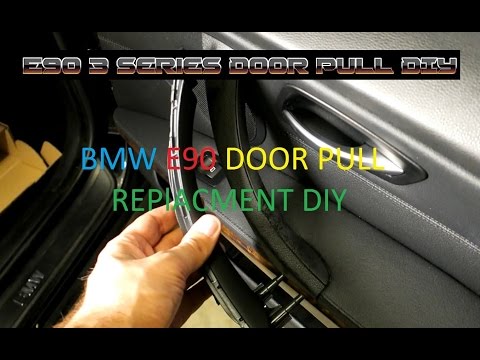
Remove the interior handle (right front) on a BMW 3 Series: disconnect the battery terminals, use a screwdriver to remove the screws located in the upper lever area of the door opening and the screws in the handle (after removing the plastic cover). Remove the remaining screws on the door panel and detach the retaining clips. Finally, pull off the panel and disconnect it from the door (unplug the power wiring and the opening cable). Remove the handle from the panel (remove the retaining screws) and reassemble everything. by ScegliAuto More videos
|
|
For advertising on this site Write to info@scegliauto.com
ScegliAuto is not responsible for any inaccuracy of the data in the lists. To report any inaccuracy or your business (if you own the business in question), please write to info@scegliauto.com
Number of seconds to generate the page: 0.222
(c) ScegliAuto 2026 - info@scegliauto.com - Privacy policy VAT number: IT01247470535 |
